

Motion sensor lights are great for saving energy, improving safety, and adding convenience, but they can be frustrating when they turn off too quickly. Maybe you are working in a garage, sitting at a desk, unloading groceries, or helping someone who needs steady lighting for accessibility. In those cases, you may want the light to stay on longer without waving your arms every few minutes.
If you are searching for how to trick a motion sensor to stay on, the safest approach is not to bypass or defeat the device. Instead, you should use supported settings, proper placement, timer controls, manual override modes, smart switches, and maintenance steps that keep the light working as intended.
This guide explains practical, lawful, and manufacturer-friendly ways to make motion sensor lighting more reliable on your own property. You will learn how to adjust delay times, improve detection, reduce false shutoffs, and choose safer upgrades when basic settings are not enough.
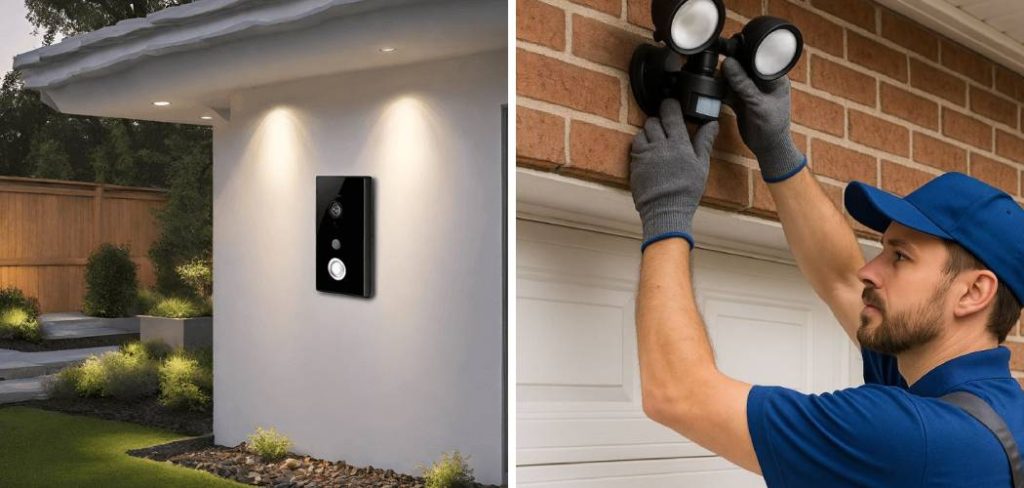
Why Keeping A Motion Sensor On Can Be Useful
Keeping a motion sensor light on longer can make everyday tasks easier and safer. In a garage, workshop, laundry room, driveway, or backyard, steady lighting helps you see tools, steps, pets, cords, and obstacles without interruption.
It can also support accessibility needs. Someone with limited movement may not trigger the sensor often enough, even when they still need light. Longer timer settings or manual controls can make the space more comfortable and safer.
A better setup can also protect the sensor itself. When you adjust the device correctly, you reduce unnecessary switching, false triggers, and user frustration while still keeping energy-saving benefits.
Step-By-Step Guide To How To Trick A Motion Sensor To Stay On
Step 1: Check The Sensor Type
Start by identifying what kind of motion sensor you have. Most home motion lights use passive infrared sensors, often called PIR sensors. These detect changes in body heat as a person or animal moves across the sensing area. Some systems use microwave, ultrasonic, dual-tech, or camera-based detection.
Knowing the sensor type helps you choose the right fix. A PIR sensor may miss you if you sit still at a desk, while a microwave sensor may detect motion through thin materials. Check the manual, product label, or app settings before making changes. This saves time and prevents random adjustments that may make the light less reliable.
Step 2: Adjust The Timer Setting
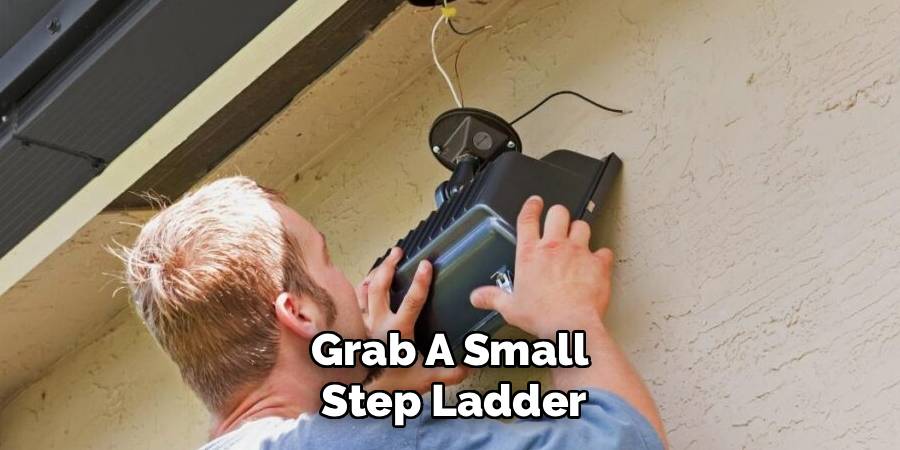
Most motion sensor lights include a time delay setting. This controls how long the light stays on after the last detected movement. Depending on the model, the delay may range from 10 seconds to 30 minutes or more.
Look for a dial, switch, app setting, or menu option labeled time, duration, delay, or hold time. Increase the setting gradually, then test it in real use. If you are learning how to trick a motion sensor to stay on for safe home use, the timer setting is usually the best place to start.
A longer delay keeps the light on during slow tasks without disabling the sensor’s energy-saving function.
Step 3: Increase The Sensitivity Carefully
Sensitivity controls how easily the sensor reacts to movement. If the setting is too low, the light may shut off while you are still nearby. If it is too high, the light may turn on because of pets, moving branches, passing cars, or heat changes.
Increase sensitivity in small steps. After each adjustment, walk through the area at normal speed and then sit or stand where you usually work. Watch how the light responds.
The goal is not maximum sensitivity. The goal is dependable detection in the space you actually use. A balanced setting gives you steady light without constant false triggers.
Step 4: Improve The Sensor Angle
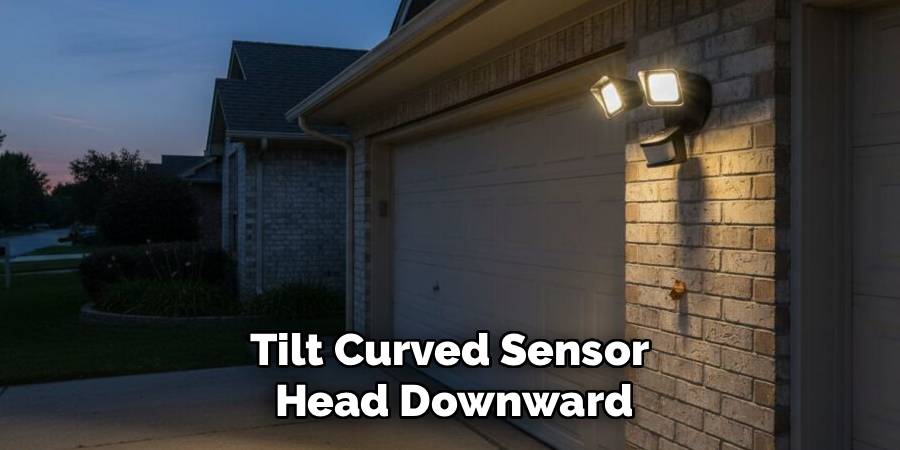
Placement matters as much as the settings. Many sensors detect movement best when you move across their field of view, not straight toward them. If the sensor points too high, too low, or away from your work area, it may not notice you soon enough.
Adjust the sensor head so it covers the main activity zone. In a garage, aim it toward the walking path and workbench. On a porch, aim it toward steps and entry points. Avoid pointing it directly at roads, trees, vents, or reflective surfaces.
Small angle changes can make a big difference. Test the light after every adjustment.
Step 5: Use The Built-In Manual Override
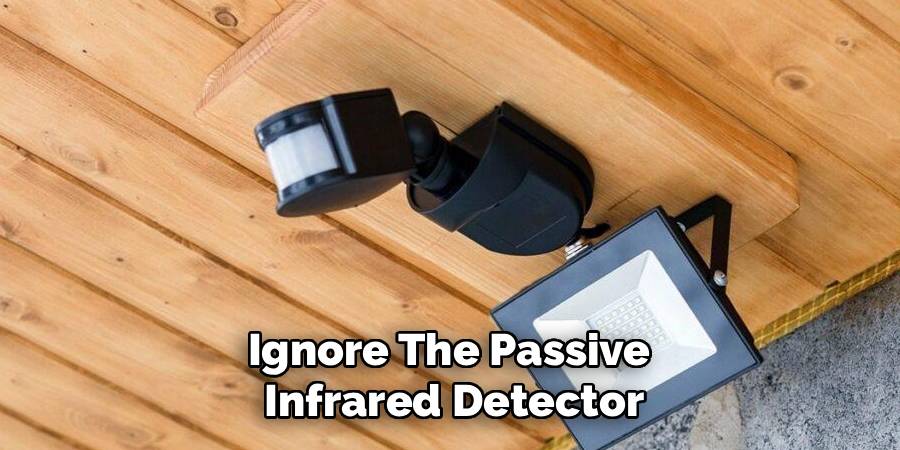
Many motion sensor lights have a manual override mode that keeps the light on for a set period. This is often activated through a wall switch, remote, or app. The exact method depends on the manufacturer, so check the manual before trying it.
Some fixtures let you turn the switch off and back on within a short time to enter steady-on mode. Others use an app button or control panel setting. Use only the supported method for your model.
This is one of the safest answers to how to trick a motion sensor to stay on because it uses a feature designed for normal operation.
Step 6: Set Up Smart Lighting Controls
If your current sensor does not offer enough control, consider a compatible smart switch, smart bulb, or smart motion light. Smart controls can let you create schedules, set longer timers, control lights by voice, or keep lights on during certain hours.
For example, you might set a garage light to stay on for 45 minutes during evening projects, then return to motion mode overnight. A porch light might stay on from sunset to bedtime, then switch back to sensor mode later.
Choose products that match your wiring, bulb type, and fixture rating. If you are unsure about electrical compatibility, ask a qualified electrician.
Step 7: Clean And Maintain The Sensor
A dirty or blocked sensor can behave poorly. Dust, spider webs, leaves, paint, snow, or moisture can reduce detection. Outdoor sensors also face weather, insects, and temperature swings that affect performance over time.
Gently clean the sensor lens with a soft cloth. Avoid harsh chemicals unless the manufacturer says they are safe. Trim plants that block the detection area, and check that the fixture is firmly mounted.
Also inspect the bulb. Some older sensors do not work well with certain LED bulbs unless they are rated for sensor fixtures. Good maintenance helps the light stay on when needed and turn off when it should.
Step 8: Choose A Better Fixture If Needed
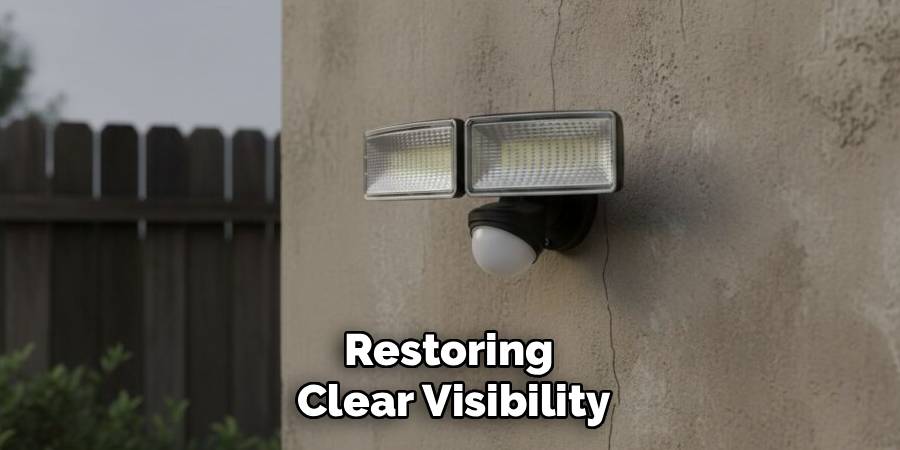
Sometimes the best fix is replacing the device. Older motion lights may have limited timers, weak detection, poor weather sealing, or no manual override. If you often need longer lighting periods, a modern fixture may solve the problem better than constant adjustments.
Look for a model with adjustable time delay, sensitivity control, dusk-to-dawn mode, manual override, wide detection coverage, and clear manufacturer support. For workspaces, you may prefer a standard switched light with a separate motion option.
Choose the tool that matches the job. A sensor light is useful, but it should not make normal tasks harder or less safe.
Frequently Asked Questions
Can I Make A Motion Sensor Light Stay On All Night?
Yes, if your fixture supports dusk-to-dawn mode, manual override, or scheduled smart controls. These options let the light stay on safely without defeating the sensor. Check the manual first, because each model works differently. If the fixture is not rated for long run times or outdoor use, replace it with one designed for that purpose.
Why Does My Motion Sensor Light Turn Off While I Am Still There?
This usually happens because the sensor does not detect enough movement. PIR sensors notice heat changes, so sitting still, working at a desk, or standing outside the detection zone can cause shutoffs. Increase the timer, adjust the sensor angle, or improve sensitivity. If the issue continues, the sensor may be dirty, blocked, poorly placed, or too limited for the space.
Is Manual Override Safe To Use?
Manual override is safe when it is a built-in feature and you follow the manufacturer’s instructions. It is designed for times when you need steady lighting, such as parties, repairs, deliveries, or garage work. Avoid improvised wiring changes or unsupported modifications. If your light does not include override mode, use a compatible switch or ask an electrician about safe options.
Do Smart Bulbs Work With Motion Sensor Fixtures?
Sometimes they do, but compatibility depends on the fixture and bulb. Some motion sensors need a certain electrical load, and some smart bulbs may flicker, disconnect, or fail to respond correctly when power is controlled by the sensor. For best results, use smart products designed for motion lighting or install a smart switch that supports your fixture type.
When Should I Replace A Motion Sensor Instead Of Adjusting It?
Replace the sensor if it has poor range, damaged parts, unreliable controls, water intrusion, or no settings for your needs. You should also consider replacement if the light keeps false triggering or shutting off after cleaning and adjustment. A newer model with timer control, sensitivity settings, detection zones, and manual override can be safer and easier to use.
Conclusion
Motion sensor lights should make your space safer and more convenient, not leave you in the dark during normal tasks. The best solutions are simple and safe: increase the timer, adjust sensitivity, aim the sensor correctly, use manual override, add smart controls, clean the lens, and upgrade the fixture when needed.
Avoid unsafe shortcuts or any attempt to bypass security equipment. Focus on supported features that keep your own home, garage, workspace, or outdoor area well lit and reliable.
Now that you understand how to trick a motion sensor to stay on, start with the timer setting, test the light in real conditions, and choose the safest adjustment for your space.

About
Alexis Kerr is a distinguished figure in the world of professional workspace optimization, with a decade of expertise creating innovative and ergonomic office environments. Her professional focus lies in merging organizational psychology with modern spatial design, fostering office setups that are both high-performing and employee-centric. As the lead author for Deskvity, Alexis Kerr delves into the art and science of corporate aesthetics and functionality, inspiring office managers and remote professionals alike.
Education Cornell University
(Ithaca, New York) Bachelor of Science in Design and Environmental Analysis Focus on human factors, workplace strategy, and sustainable interior environments. Gained extensive experience in how physical space influences productivity and mental clarity.
Savannah College of Art and Design (SCAD)
(Savannah, Georgia) Master of Fine Arts in Interior Design Specialized in commercial workspace solutions with a focus on blending digital integration with physical comfort. Participated in high-level industry projects to refine the balance between corporate branding and architectural utility.
Publications and Impact
In Deskvity, Alexis Kerr shares her insights on modern workspace trends, acoustic management, and strategies for efficient layout planning. Her writing bridges the gap between high-level architectural theory and practical day-to-day office needs, making it a must-read for both facility directors and individual professionals looking to elevate their work environment.