

Bugs can turn a clear security camera view into a mess of blurry wings, false motion alerts, spider webs, and nighttime glare. If your camera uses infrared light, insects may gather around the lens even more often because the light and warmth attract them.
Learning how to keep bugs away from security cameras helps you protect your footage, reduce annoying notifications, and keep your system working as intended. This matters for homes, shops, driveways, porches, warehouses, and any area where reliable video is important.
The good news is that you do not need complicated tools to fix most bug problems. Small changes to lighting, cleaning, placement, and maintenance can make a big difference. This guide walks you through practical steps to reduce insects, prevent spider webs, and keep your camera view clear day and night.
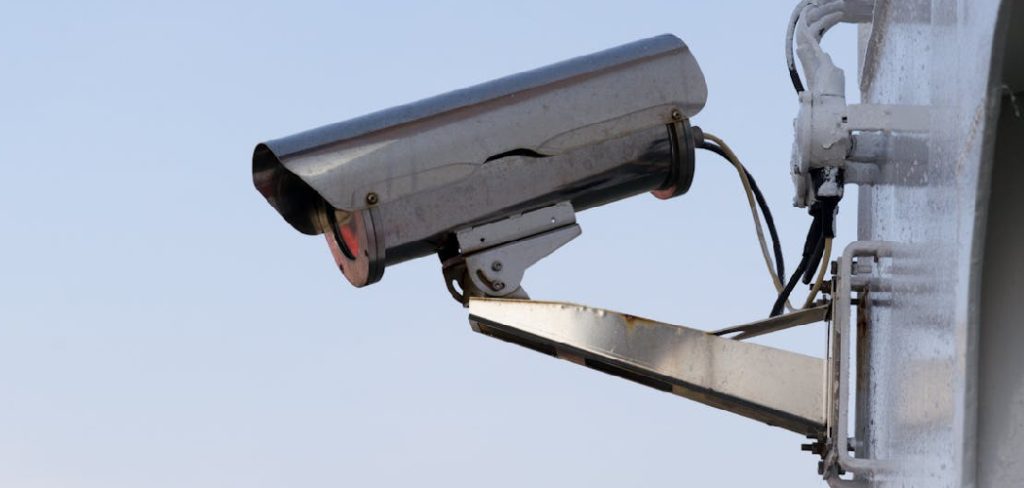
Why Keeping Bugs Away From Security Cameras Matters
Bugs do more than create a small nuisance. They can block the lens, trigger motion alerts, distort night vision, and make it harder to see faces, vehicles, or movement. Spider webs are especially frustrating because they catch dust and reflect infrared light, which can make the camera look foggy or washed out.
Keeping insects away also saves time. You spend less time deleting false alerts, cleaning lenses, and checking useless clips. It can also help your camera last longer by reducing grime around the housing, seals, and mounting area.
A cleaner camera gives you better footage, more accurate alerts, and greater confidence when you need to review an event.
Step-By-Step Guide To How To Keep Bugs Away From Security Cameras
Step 1: Identify What Attracts Bugs
Start by looking at why insects gather around your camera. Many bugs are drawn to light, warmth, moisture, and places where other insects already gather. Security cameras with infrared night vision can be especially attractive because the light source sits close to the lens.
Check the area around the camera after dark. Look for nearby porch lights, garden lights, standing water, trash bins, flowering plants, or damp corners. These can all increase bug activity. Once you understand the cause, it becomes much easier to choose the right fix instead of cleaning the same camera every few days.
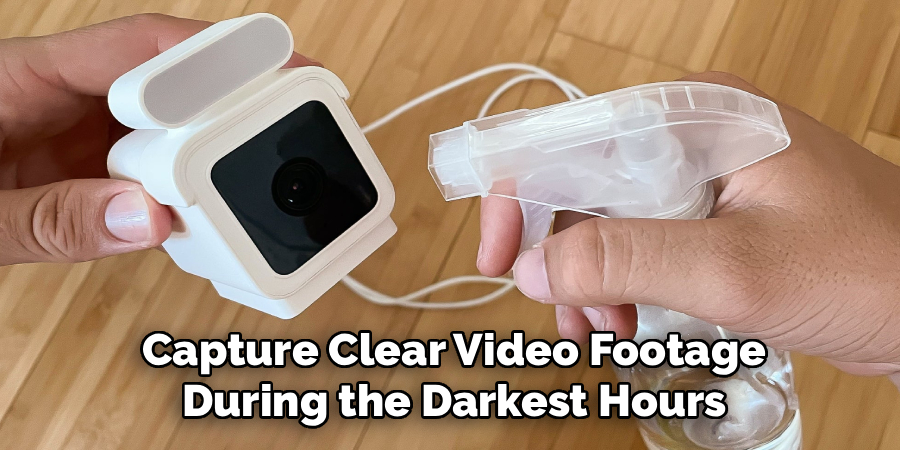
Step 2: Move External Lights Away From The Camera
One of the best ways to reduce bugs is to separate your lighting from your camera. If insects are drawn to a porch light beside the lens, they will fly directly through the camera’s view. That creates false alerts and blurry night footage.
When learning how to keep bugs away from security cameras, lighting placement is one of the most important fixes. Move bright lights several feet away from the camera when possible. Aim lights across the monitored area instead of directly toward the lens. This keeps the scene visible while pulling insects away from the camera body.
Step 3: Clean The Lens And Housing Regularly
A dirty camera can attract more insects over time. Dust, pollen, old webs, and tiny insect remains can build up around the lens and housing. Spiders may return to the same spot if web traces remain after a quick wipe.
Use a soft microfiber cloth to clean the lens gently. For the camera body, use a damp cloth with mild soap if the manufacturer allows it. Avoid harsh chemicals, rough scrubbers, or pressure washing because they can damage seals and coatings. Clean the mount, corners, cable entry points, and shade cover, not just the lens.
Step 4: Remove Spider Webs Completely
Spider webs are one of the most common camera problems. Spiders often build webs near cameras because flying insects gather around lights and warm surfaces. At night, infrared light can reflect off webs and create bright streaks across the footage.
Remove webs with a soft brush, duster, or cloth. Clean beyond the visible web because fine strands may still remain around the mount or camera hood. If you only knock down the web, spiders may rebuild quickly. Make this a regular habit, especially during warm months when insects and spiders are more active.
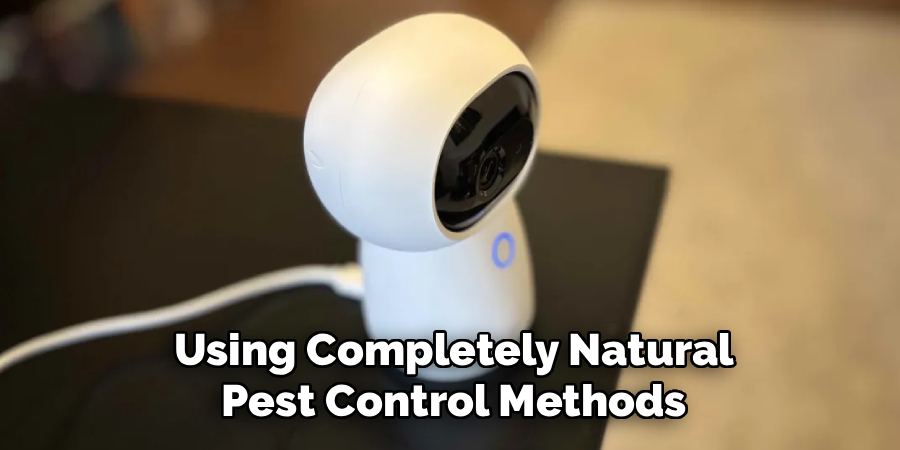
Step 5: Use Insect-Repelling Scents Carefully
Some natural scents may help reduce bugs near camera areas. Peppermint, citronella, lavender, eucalyptus, and tea tree oil are common options people use around patios and entryways. The key is to apply them near the camera, not directly on the lens or electrical parts.
Place scent sources on nearby surfaces, such as a wall, post, or mounting area, while keeping liquid away from the camera housing. Test a small area first to avoid staining paint or siding. Reapply as needed because outdoor scents fade after rain, heat, and wind.
Step 6: Adjust Camera Placement And Angle
Camera position can make bug problems better or worse. A camera mounted near a bright doorway, damp corner, or garden bed may attract more insects than one placed under a cleaner, drier overhang. Even a small change in angle can reduce false alerts from bugs passing close to the lens.
If you are researching how to keep bugs away from security cameras, do not overlook placement. Try mounting the camera slightly away from lights and plants while keeping the same view. Angle it so the lens does not point directly at reflective walls, glass, or bright surfaces that make insects more visible at night.
Step 7: Change Motion Detection Settings
Even with good prevention, a few bugs may still fly near the lens. Adjusting your motion settings can reduce false alerts without weakening your security. Many modern cameras let you change sensitivity, set activity zones, or choose person and vehicle detection.
Lower the sensitivity if tiny insects trigger constant notifications. Create activity zones that focus on doors, walkways, gates, or driveways instead of blank walls or lights. If your camera offers smart detection, turn it on and test it for a few nights. The goal is not to ignore movement, but to filter out small, close-up motion.
Step 8: Create A Simple Maintenance Routine
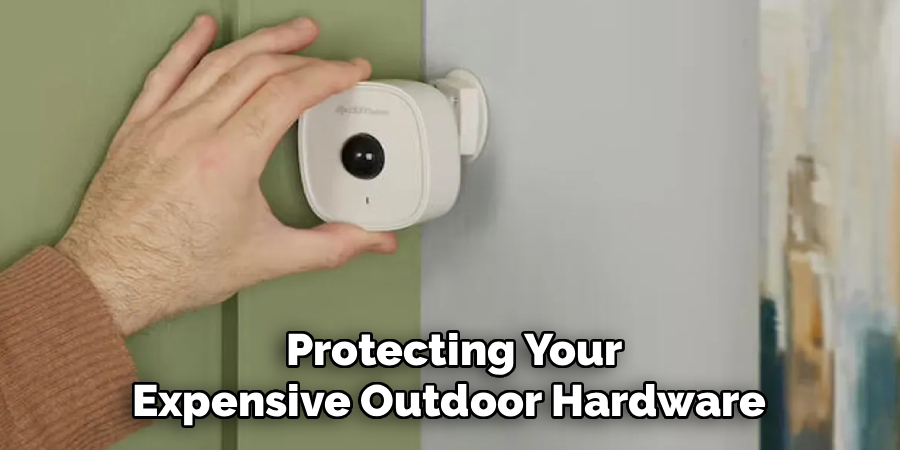
The best results come from a steady routine. Check outdoor cameras once a week during bug-heavy seasons and at least once a month during cooler months. Look for webs, dust, water spots, nests, loose mounts, and blocked views.
After storms or windy days, inspect the camera sooner. Moisture and debris can collect quickly, especially under eaves and near trees. A quick wipe and web removal can prevent bigger problems later. Keep a microfiber cloth, small brush, and safe cleaning solution handy so maintenance only takes a few minutes.
Frequently Asked Questions
Why Do Bugs Gather Around Security Cameras At Night?
Bugs often gather around security cameras because of light, warmth, and nearby food sources. Infrared night vision can attract insects, especially when the camera’s LEDs sit close to the lens. Nearby porch lights, damp areas, plants, and spider webs can make the problem worse. Moving lights away and cleaning the camera regularly usually helps reduce activity.
Can Spider Webs Affect Camera Night Vision?
Yes, spider webs can strongly affect night vision. Infrared light reflects off the thin web strands, making them look bright, foggy, or streaky on video. This can block important details and trigger false motion alerts. Removing the full web and cleaning around the mount helps stop spiders from rebuilding in the same spot quickly.
Is Bug Spray Safe To Use On A Security Camera?
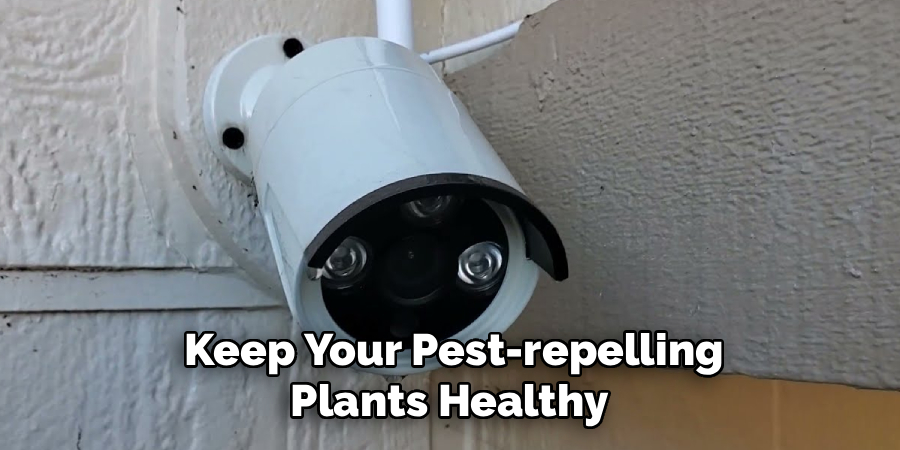
You should not spray insect killer directly on a security camera. Chemicals can damage the lens coating, seals, plastic housing, or wiring. If you use pest control products, apply them to nearby surfaces only and follow the product label. Keep sprays away from vents, ports, lenses, and any exposed electrical parts.
Do Infrared Cameras Attract More Insects?
Infrared cameras can attract more insect activity near the lens, especially outdoors at night. The infrared LEDs may draw bugs close enough to trigger motion detection or reflect light into the image. External lighting placed away from the camera can help. Some users also reduce built-in infrared use when other safe lighting is available.
How Often Should I Clean Outdoor Security Cameras?
Clean outdoor security cameras whenever you notice blurry footage, webs, water spots, or false alerts. In warm or humid seasons, a weekly check may be helpful. In cooler months, monthly cleaning may be enough. Cameras near trees, porch lights, gardens, or standing water usually need more frequent care because insects gather there faster.
Conclusion
Bugs can reduce camera performance, but you can prevent most problems with simple habits. Move lights away from the lens, clean the housing, remove webs fully, adjust detection settings, and check your camera regularly.
If you want clearer footage and fewer false alerts, start with the easiest fixes today. Now that you know how to keep bugs away from security cameras, inspect your most active camera tonight and make one small improvement before the next recording cycle.

About
Alexis Kerr is a distinguished figure in the world of professional workspace optimization, with a decade of expertise creating innovative and ergonomic office environments. Her professional focus lies in merging organizational psychology with modern spatial design, fostering office setups that are both high-performing and employee-centric. As the lead author for Deskvity, Alexis Kerr delves into the art and science of corporate aesthetics and functionality, inspiring office managers and remote professionals alike.
Education Cornell University
(Ithaca, New York) Bachelor of Science in Design and Environmental Analysis Focus on human factors, workplace strategy, and sustainable interior environments. Gained extensive experience in how physical space influences productivity and mental clarity.
Savannah College of Art and Design (SCAD)
(Savannah, Georgia) Master of Fine Arts in Interior Design Specialized in commercial workspace solutions with a focus on blending digital integration with physical comfort. Participated in high-level industry projects to refine the balance between corporate branding and architectural utility.
Publications and Impact
In Deskvity, Alexis Kerr shares her insights on modern workspace trends, acoustic management, and strategies for efficient layout planning. Her writing bridges the gap between high-level architectural theory and practical day-to-day office needs, making it a must-read for both facility directors and individual professionals looking to elevate their work environment.
2 thoughts on “How To Keep Bugs Away From Security Cameras”