

A motion sensor light is meant to make life easier. It turns on when someone walks nearby, helps improve security, and adds convenience around driveways, porches, garages, hallways, and backyards. But when it stays on all night, refuses to turn on, flashes randomly, or reacts too late, it may need a reset.
Learning how to reset motion sensor light can help you fix many common issues without replacing the fixture. In many cases, the sensor is not broken. It may be stuck in manual mode, confused by a power interruption, set too sensitively, or affected by weather, dirt, or nearby movement.
The reset process is usually simple, but it helps to follow the right order. You need to identify the light type, cut power safely, wait long enough, restore power correctly, and then test the settings. This guide walks you through each step in a clear, beginner-friendly way so you can get your light working properly again.
Why Resetting A Motion Sensor Light Matters
Resetting a motion sensor light can restore normal operation, improve safety, and prevent wasted energy. A light that stays on constantly may raise your electric bill and reduce bulb life. A light that does not turn on when needed can leave dark areas around your home, which may create safety and security concerns.
A reset also helps clear temporary glitches caused by power outages, switch changes, storms, or incorrect settings. Instead of assuming the fixture has failed, a careful reset gives the sensor a fresh start.
It can also help you confirm whether the problem is simple or more serious. If the light works after resetting and adjusting the controls, you avoid an unnecessary replacement. If it still fails, you can troubleshoot with more confidence.
Step-By-Step Guide To How to Reset Motion Sensor Light
Step 1: Identify The Light Type And Model
Start by checking what kind of motion sensor light you have. Some lights are hardwired outdoor security fixtures, while others are solar-powered, battery-powered, plug-in, or smart connected models. Each type can reset a little differently, so identifying the model helps you avoid mistakes.
Look for a label on the fixture, inside the battery compartment, or near the mounting base. If the light has a brand name or model number, you can search for the manual online. Pay attention to whether it has physical knobs, dip switches, a wall switch control, or app settings. This information will guide the rest of the reset process.
Step 2: Turn Off Power Safely
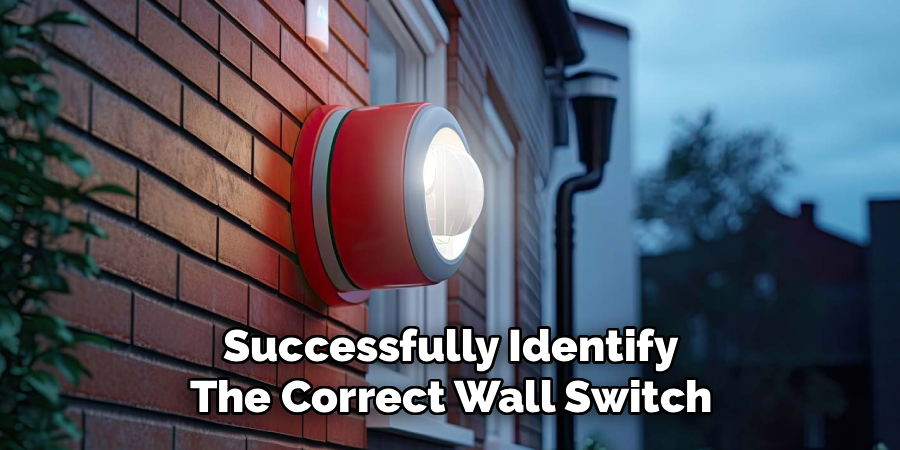
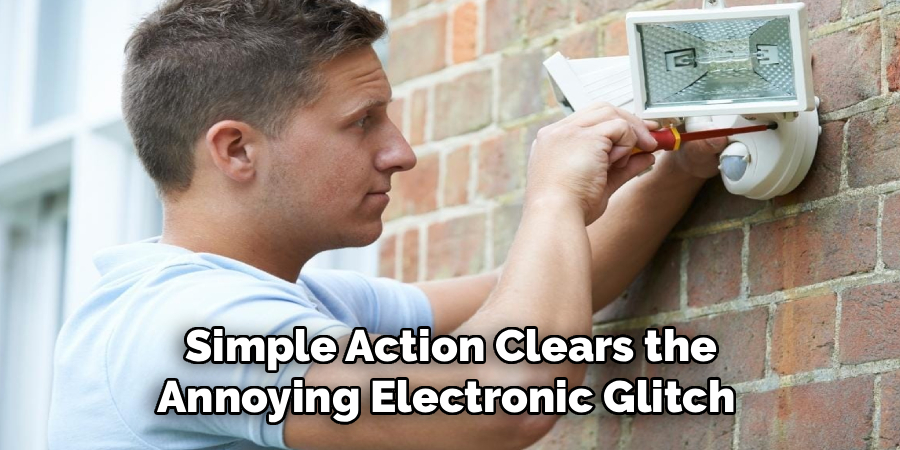
Before touching the fixture or adjusting wiring areas, turn off power safely. For a hardwired light, switch it off at the wall first. If you need to inspect the fixture closely, turn off the matching breaker at the electrical panel. This reduces the risk of shock, especially with outdoor fixtures exposed to moisture.
If you are working with a battery or solar model, remove the batteries if possible or turn the unit off using its power button. If you are learning how to reset motion sensor light for the first time, safety should come before speed. Never handle exposed wires unless the power is off and you are sure the circuit is safe.
Step 3: Wait For The Recommended Reset Interval
After power is off, wait long enough for the light’s internal electronics to clear. Many motion sensor lights reset after 30 seconds to one minute, but some models need five minutes or longer. Smart lights or advanced security fixtures may need extra time because they store settings internally.
Do not rush this part. Turning power back on too quickly may only restart the light without fully resetting the sensor. If you have the manual, follow its recommended reset interval. If you do not have it, waiting at least one full minute is a good starting point for many basic fixtures. For stubborn problems, try waiting five minutes before restoring power.
Step 4: Restore Power Correctly
Once the waiting period is over, restore power in the proper order. If you turned off a breaker, switch it back on first. Then turn the wall switch on and give the light time to wake up. Many motion sensor lights enter a warm-up period after power returns, and the light may stay on for 30 seconds to several minutes.
Avoid flipping the switch repeatedly during this warm-up time. Rapid switching can place some fixtures into manual override mode, which may make the light stay on instead of responding to motion. Watch the light quietly and let it finish its startup cycle. If it turns off on its own after a short time, the reset may already be working.
Step 5: Use The Wall Switch Method If Needed
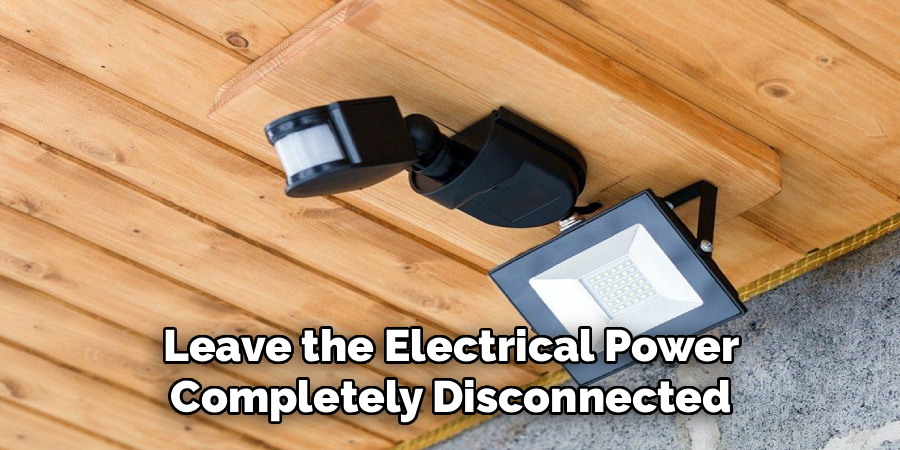
Many motion sensor lights can be reset or switched between modes using the wall switch. This is common with outdoor security lights. In some models, turning the switch off for a short time and then back on resets the automatic sensor mode. In others, quick switch patterns can activate manual mode, test mode, or dusk-to-dawn mode.
If the light stays on constantly, turn the wall switch off for about one minute, then turn it back on and wait. This method is often the fastest way to learn how to reset motion sensor light without tools. If the light still stays on, check the manual for the correct switch timing because each brand may use a different pattern.
Step 6: Adjust Sensitivity And Timer Settings
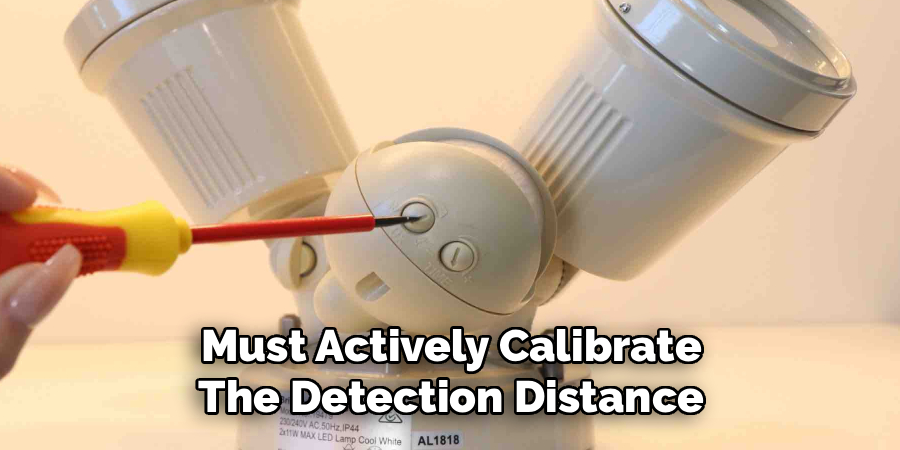
After the reset, check the sensitivity, timer, and light-level settings. Sensitivity controls how easily the sensor reacts to movement. If it is set too high, the light may turn on because of passing cars, tree branches, small animals, or heat from vents. If it is too low, the light may not detect people until they are very close.
The timer setting controls how long the light stays on after motion stops. A very long timer can make it seem like the light is stuck. Start with medium sensitivity and a short timer, such as one or two minutes. Also check the dusk setting if your fixture has one, since the light may not work during daylight.
Step 7: Test Detection Range And Function
Now test the light in real conditions. Wait until the fixture is in automatic mode and, for outdoor lights, test it when it is dark enough to activate. Walk across the detection area, not straight toward the sensor, because many sensors detect side-to-side movement better than direct movement.
Notice where the light turns on and how long it stays on. If it does not react soon enough, increase sensitivity slightly or adjust the sensor head. If it turns on too often, lower the sensitivity or aim the sensor away from roads, trees, reflective surfaces, and heat sources. Make one change at a time so you know what fixed the issue.
Step 8: Troubleshoot If The Reset Fails
If the reset does not work, look for simple causes before replacing the fixture. Clean the sensor lens with a soft cloth, because dirt, spider webs, paint, or dust can block detection. Check the bulb if your fixture uses a replaceable one. A loose, burned-out, or incompatible bulb can make the sensor seem faulty.
Also inspect the power source. A tripped breaker, loose wall switch, dead battery, weak solar charge, or poor Wi-Fi connection can affect performance. For smart lights, try removing the device from the app and pairing it again. If the light still does not respond, the sensor module, internal relay, or wiring may be damaged and may need repair or replacement.
Frequently Asked Questions
Why Does My Motion Sensor Light Stay On All The Time?
A motion sensor light may stay on because it is in manual override mode, the timer is set too long, or the sensitivity is too high. It can also happen after a power outage or repeated wall switch use. Try turning the light off for at least one minute, then turn it back on and wait for the warm-up cycle to finish.
How Long Should I Leave The Power Off During A Reset?
Many basic motion sensor lights reset after 30 seconds to one minute with the power off. However, some models need five minutes or more to fully clear their internal settings. If a short reset does not work, try a longer power-off period. For the most accurate timing, check the owner’s manual for your exact model.
Can Bad Weather Affect A Motion Sensor Light?
Yes, weather can affect performance. Heavy rain, snow, wind, extreme heat, and freezing temperatures may cause false triggers or weak detection. Moisture can also enter old or poorly sealed fixtures and create electrical problems. If issues appear after a storm, let the fixture dry if safe, clean the lens, and check for visible damage before testing again.
Why Does My Light Turn On During The Day?
If the light turns on during the day, the daylight sensor may be blocked, dirty, misadjusted, or set to test mode. Some fixtures allow daytime testing, but normal automatic mode should usually work only in low light. Clean the sensor lens and adjust the lux or dusk setting if your model has one. Then test again after dark.
When Should I Replace The Motion Sensor Light?
Replace the light if it still fails after resetting, cleaning, adjusting settings, checking the bulb, and confirming power. You should also replace it if you see cracked housing, water damage, burned wiring, or corrosion. If the fixture is old and unreliable, a new model may be safer, more efficient, and easier to adjust than continued repair attempts.
Conclusion
Resetting a motion sensor light is often a simple fix for common problems like staying on, failing to detect movement, turning on randomly, or acting strangely after a power interruption. The key is to identify the model, turn off power safely, wait long enough, restore power correctly, adjust the settings, and test the detection area with patience.
Now that you know how to reset motion sensor light, start with the safest and simplest steps before assuming the fixture is broken. If the light still does not work after a careful reset and basic troubleshooting, it may be time to repair the wiring, replace the sensor, or install a new fixture.

About
Alexis Kerr is a distinguished figure in the world of professional workspace optimization, with a decade of expertise creating innovative and ergonomic office environments. Her professional focus lies in merging organizational psychology with modern spatial design, fostering office setups that are both high-performing and employee-centric. As the lead author for Deskvity, Alexis Kerr delves into the art and science of corporate aesthetics and functionality, inspiring office managers and remote professionals alike.
Education Cornell University
(Ithaca, New York) Bachelor of Science in Design and Environmental Analysis Focus on human factors, workplace strategy, and sustainable interior environments. Gained extensive experience in how physical space influences productivity and mental clarity.
Savannah College of Art and Design (SCAD)
(Savannah, Georgia) Master of Fine Arts in Interior Design Specialized in commercial workspace solutions with a focus on blending digital integration with physical comfort. Participated in high-level industry projects to refine the balance between corporate branding and architectural utility.
Publications and Impact
In Deskvity, Alexis Kerr shares her insights on modern workspace trends, acoustic management, and strategies for efficient layout planning. Her writing bridges the gap between high-level architectural theory and practical day-to-day office needs, making it a must-read for both facility directors and individual professionals looking to elevate their work environment.