

Pause for a moment. Scan your desk or the spot next to your couch. Odds are, there’s a snarl of cables hiding in plain sight—phone chargers intertwined with power bricks, a few mystery wires peeking out. It’s an almost universal sight, and yet, somehow, most of us just step over that knot, vowing to deal with it some other day.
Getting on top of this cord chaos isn’t quite as daunting as it may seem. With a bit of effort and a few honest tools (most you likely have or can pick up cheaply), it’s very possible to change that wild nest behind your workspace into something far tidier. I’ll admit: organization guides rarely fix everything at once, but with a little persistence and a practical approach, your cables might actually stay where you want them. In this guide on how to keep charging cords organized, we’ll show you a few tips and tricks that can help.
Why Bother Organizing Charging Cords?
Admittedly, there’s more to an orderly cord setup than mere looks. When cables are bent, yanked, or jammed into corners, they tend to wear out from the inside. It’s not always obvious at first, but the more a wire is abused—yanked out or twisted—the sooner it’ll fail, often just when you need your phone charged most. Good organizing could, if nothing else, stave off the all-too-common last-minute scramble for a working charger.
Safety is perhaps not the first thing that comes to mind, but it counts. A loose cable is a hidden hazard, waiting for someone to trip, or worse, cause an expensive phone to drop. You don’t want cleaning day to end with a snapped USB cable wrapped around your vacuum. Tidying up doesn’t just look nice—it allows you to keep the space around your devices easier to clean and safer to use.
The Usual Suspects Behind Cable Clutter
Cable messes aren’t born out of laziness; more often, they’re the legacy of good intentions gone sideways. How many times have you gotten a new gadget—each with its own cable—and tossed the old one into a drawer “just in case”? They pile up before you know it.
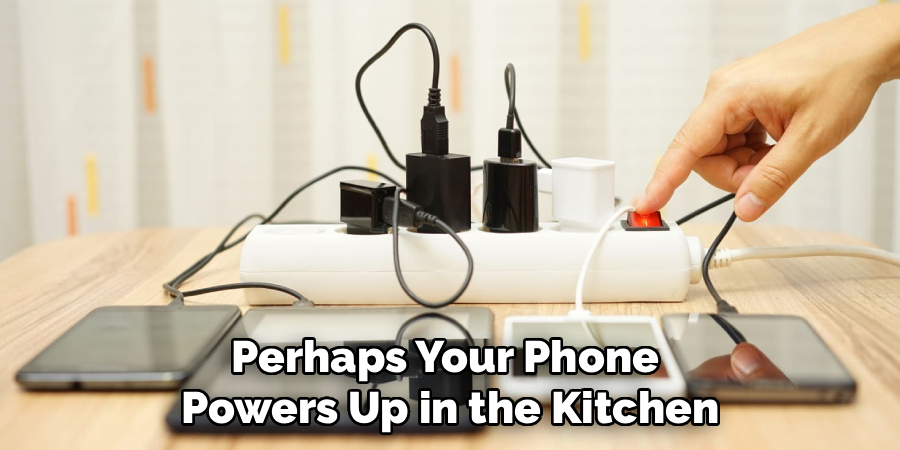
Another issue? Charging things here and there. Perhaps your phone powers up in the kitchen, while a tablet sits by the bed, and another device perches on the office desk. Each zone earns its own knots of wires. And then there’s cable length: manufacturers, perhaps trying to be helpful, often give us far more length than we ever use. What ends up underfoot is a tangle of excess.
Tools Worth Having for Cord Control
You might be surprised how little you need. No need for fancy gadgets or overpriced kits. Simple, everyday items can bring order. For instance, Velcro ties. They wrap securely but—unlike plastic zip ties—come off easily, so you can adjust as you go. Adhesive cord clips, stuck to the edge of a desk or wall, make a huge difference in keeping wires routed where they belong.
For heavier-duty jobs, cable sleeves (those expandable tubes) gather multiple cords and keep them hidden, especially if you’re running things from a surge protector to your TV. And if gadgets have taken over your household, a charging station serves well as a central dock—provided it hides, rather than multiplies, the wires.
7 Steps on How to Keep Charging Cords Organized
Step 1: Gather and Sort Everything
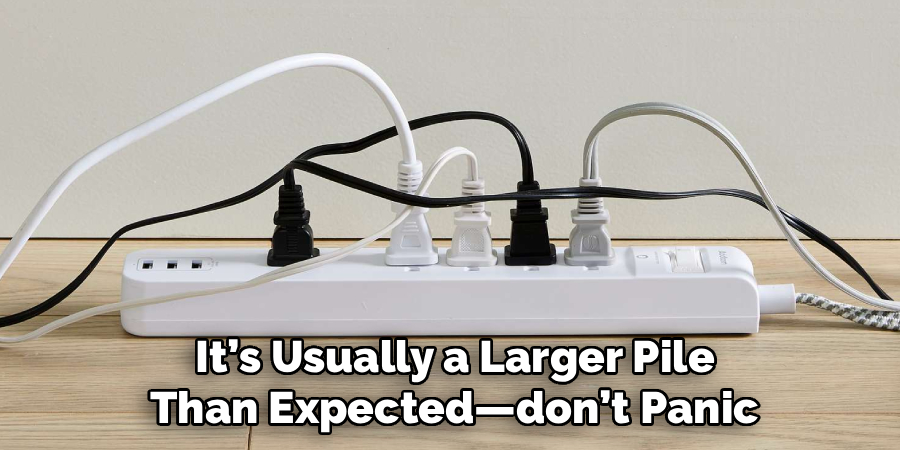
Begin with a scavenger hunt. Hunt down every cord, brick, or power adapter lurking in drawers, under beds, and poking out behind furniture. Dump them all in a spot where you can see the full extent. It’s usually a larger pile than expected—don’t panic.
Next, group cables by type. One pile for USB-C, another for Lightning, others for micro-USB or proprietary chargers. Sorting will quickly show if you’ve been hoarding obsolete cables with long-forgotten uses.
Step 2: Cull the Collection
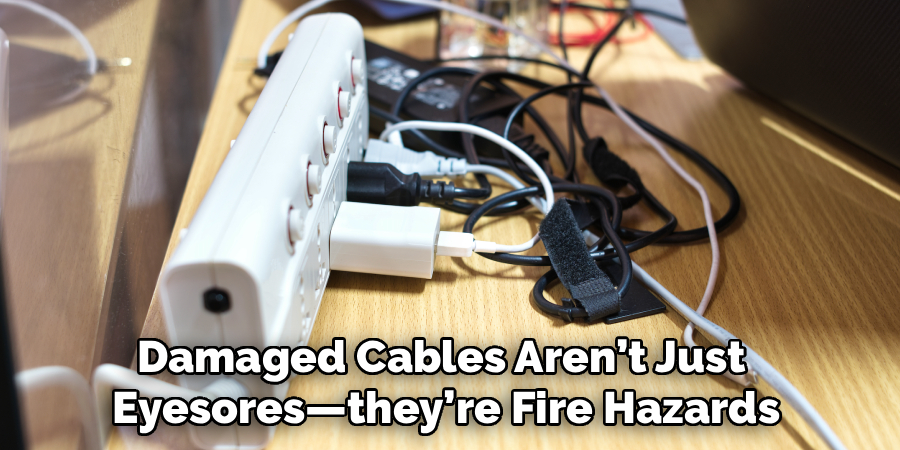
With the piles staring back at you, it’s time for some tough decisions. Look carefully: which cords have exposed wires or are bent at awkward angles? Those should go, regretfully but decisively. Damaged cables aren’t just eyesores—they’re fire hazards and can ruin batteries.
Do you have five micro-USB cables but only one device that needs them? (I’m guilty too.) Hang on to a backup; everything else can be set aside for proper recycling. Some electronics stores still have bins for unwanted accessories—it’s worth checking.
Step 3: Don’t Let Mystery Plugs Linger—Label Cords Clearly
Ever crawl behind the TV, trying to guess which cord kills the router and which one powers a lamp? Save yourself the pain. Even a basic label maker or a strip of painter’s tape will do. Mark both ends—the one that plugs into the power strip and the end that connects to the gadget. If you share your living space, these little tags are nothing short of sanity-saving.
When cables hide behind bookshelves or beds, being able to spot a label quickly saves time and keeps things running without “oops, Wi-Fi outage” mishaps.
Step 4: Store Unused Cables Properly
With the everyday essentials sorted and labeled, it’s smart to put the extras somewhere sensible. Storage boxes with dividers keep spare cords in line; designate a spot for each type—don’t just turn a shoebox into another junk drawer.
If you’re often on the go, a zippered electronics pouch with mesh sections makes a world of difference. Even for homebodies, tucking backup chargers into a pouch keeps them dust-free and easy to find.
Step 5: Tame the Tangle with Ties and Clips
For the cords you actually need access to, keeping them neat is an ongoing challenge. Velcro ties bunch up slack wires neatly and can be adjusted as needed. For a really long cable, looping it into gentle coils, then letting only the needed length show, is less stressful for the wire—and for you.
Adhesive clips are a minor revelation. Run cords down table legs, around the back of a desk, or up the side of a bookshelf. Getting wires off the floor reduces tripping risk and creates the illusion of order, even in a busy space.
Step 6: Make Charging Zones, Not Charging Chaos
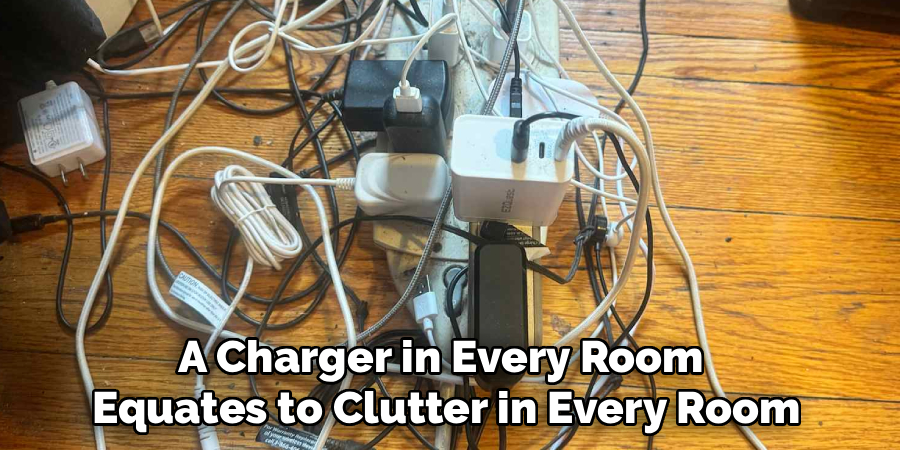
A charger in every room equates to clutter in every room. Instead, pick two spots: maybe the hallway near the front door and the nightstand. A charging station in the main zone can park devices as you come in. On the nightstand, a cable management gadget (magnet or clip) catches the cord so it doesn’t fall under the bed. Keeping power centralized also means you’re less likely to lose your favorite charger to a housemate.
Step 7: Maintenance: The Forgotten Step
Even the best plans crumble without upkeep. Every few months—set a phone reminder if you must—check how the setup is holding up. Have the cords wriggled out of position? Any ties working loose, or new devices upsetting the system? Deal with it before a little mess snowballs into chaos again.
This regular check is also a chance to reassess. If you’ve upgraded devices and no longer need older cables, put them away. It’s far easier to do a quick tidy than a full overhaul. Following these steps on how to keep charging cords organized will not only save time and frustration, but also help prolong the lifespan of your cords. And don’t forget to recycle any old or damaged cords properly!
Mistakes People Commonly Make
One temptation is to wrap a cable tightly around a charger. Don’t—it strains the wire inside, leading to cracks you can’t see. Skip zip ties; they’re not adjustable and can dig into the plastic if you pull too hard.
Overloading a bargain power strip risks blowing a fuse, and leaving cords where people walk is practically inviting a fall.
Tips for Ongoing Upkeep
Openly, maintenance isn’t glamorous, but it matters. Always unplug by holding the connector, not tugging the wire.
Try to keep cords out of sunlight; rubber degrades surprisingly quickly in heat. Wipe them down sometimes—dust clogs charging ports. Replace Velcro ties when they fail so everything stays as neat as you first intended.
Habits for Lasting Results
Consider making a rule: when a new gadget comes in, an old cord goes. Wireless charging, where possible, cuts down on clutter, though it’s not perfect for every device yet. When pushing cords behind furniture, allow a bit of give—otherwise, moving the couch could pop a plug loose.
The real trick isn’t any particular setup, but sticking with it through the months ahead.
Frequently Asked Questions
Q1: Best Method for Storing Long Charging Cables?
The “over-under” coil, as pros use, prevents twists and keeps cables from kinking. Once coiled, wrap a Velcro tie around the loop, then store it in a drawer organizer or tech pouch.
Q2: Are Wireless Chargers Actually Simpler?
In many ways, yes. Fewer visible cables, less fumbling, and just the pad’s own cord to hide with a clip. One caveat—some devices still charge faster by wire, so it’s a balance.
Q3: Tips to Stop Pets from Chewing Cords?
Cats and dogs love a dangling wire—sad but true. Wrapping exposed cables in protective sleeves or spiral wraps helps. Spritzing with a pet-safe bittering agent usually deters even the most determined chewer.
Elevate Your Space With Smarter Cord Management
Caring for your charging cords might not sound thrilling, but the effect on your daily space is noticeable. Fewer distractions, a sleeker look, and electronics that last a bit longer.
You may need to set aside an hour for the initial overhaul, but your future self—and your vacuum—will likely be relieved. Thanks for reading this guide on how to keep charging cords organized.
