

It happens at the worst times, doesn’t it? One minute you’re stirring pasta, lost in your own thoughts, and the next—a shrill wail cuts through the air. Perhaps you’ve just stepped out of a steaming shower, or maybe you’re lying in bed, convinced sleep has finally found you. The thing is, for all their essential role in keeping us safe, smoke alarms rarely choose a convenient moment to demand our attention.
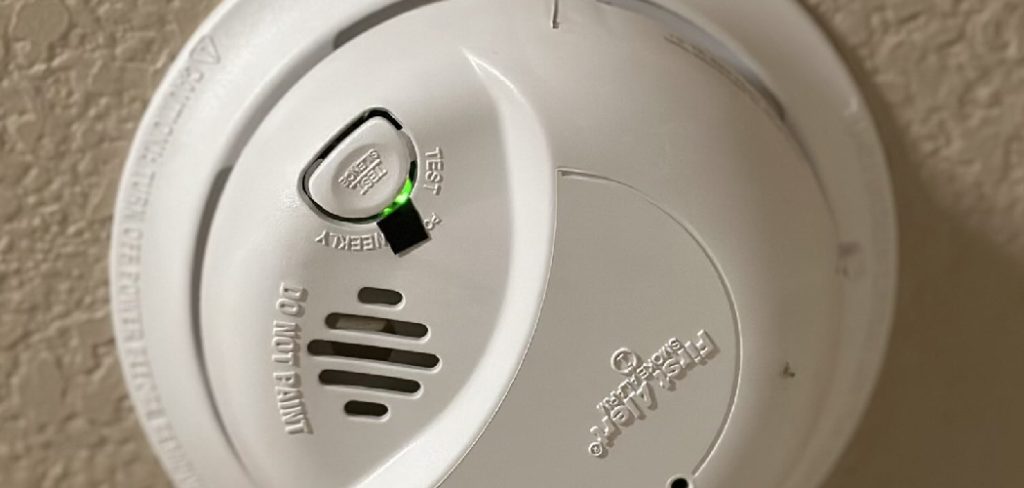
So, what then? How do you hush that relentless siren without compromising your safety—or your sanity? There’s a way to approach it that doesn’t involve wild button-mashing or, as one sleepy friend once tried, tossing the whole device into a drawer. Let’s walk through a smarter, calmer process. In this guide on how to turn off smoke alarm, we’ll cover the steps you need to take to silence that alarm and get back to your normal routine.
Types of Smoke Alarms
First, it’s worth pausing a moment. Not all alarms are created equal, and reaching for the nearest chair isn’t always the best opening move. If you’re surrounded by the familiar chirp, ask yourself: which kind of detector is glaring down at you? Many homes have ionization alarms, tuned to catch those fast, flaming fires—thanks to a faint whiff of radioactive material working behind the scenes. They’re everywhere, mostly because they’re affordable.
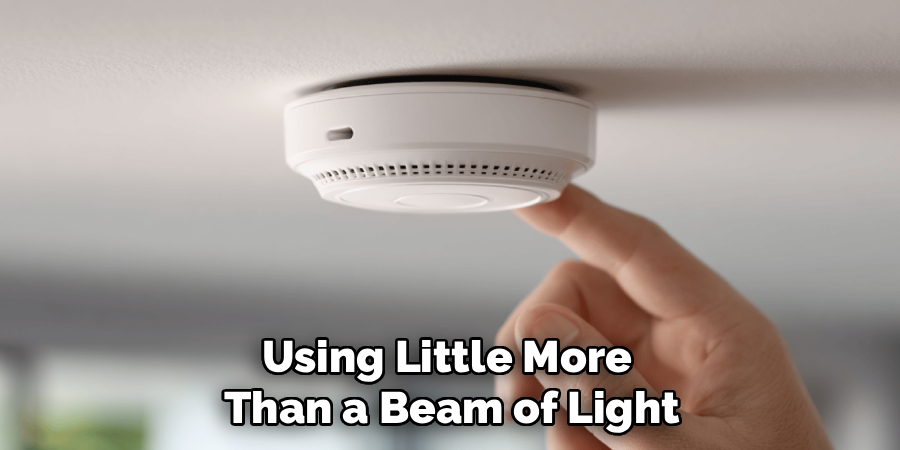
But some devices play a different tune. Photoelectric alarms, for instance, excel at recognizing smoldering fires, using little more than a beam of light. Dual-sensor models? Those who try to play it safe by combining both approaches in one case, hedging against the limitations of each. And now come the “smart” versions, plugged into your Wi-Fi like everything else. Convenient, until you find that the only way to hush it, on occasion, is by fumbling with your phone at 2 a.m.
Common Reasons a Smoke Alarm Goes Off
Is your alarm overreacting? It might not be. Burnt toast—an innocent offender—probably brings more alarms to life than actual fires ever do. Maybe you scorched a forgotten pan or cranked up the broiler for a bit too long. It only takes a wisp.
Sometimes, though, smoke wasn’t even invited. Steam from a shower, especially if there’s not much ventilation, can stir up just as much trouble. Alarms that live near bathrooms or kitchens are sitting ducks. Occasionally, a dust bunny or, heaven help us, a wandering insect will set the thing off. And let’s not forget the batteries—low power triggers a stubborn chirp that, in my experience, has a knack for starting up the instant you’re drifting off for the night.
Safety First: When NOT to Turn It Off
A caveat, and it’s a big one: don’t get trigger-happy with that silence button. If the alarm is screaming, it’s not the moment to make assumptions—at least not until you’ve had a look. That means scanning for smoke, sniffing for odd odors, and putting a hand near any closed door to check for heat. If you see or smell anything worrying, it’s time to move folks out, shut doors behind you, and call for help. Don’t stick around fussing with the alarm.
If, on the other hand, you’ve burned a steak or taken a too-hot shower, well, that’s a different matter. Just make absolutely sure.
7 Simple Step-by-step Guidelines on How to Turn Off Smoke Alarm
Step 1: Identify the Trigger
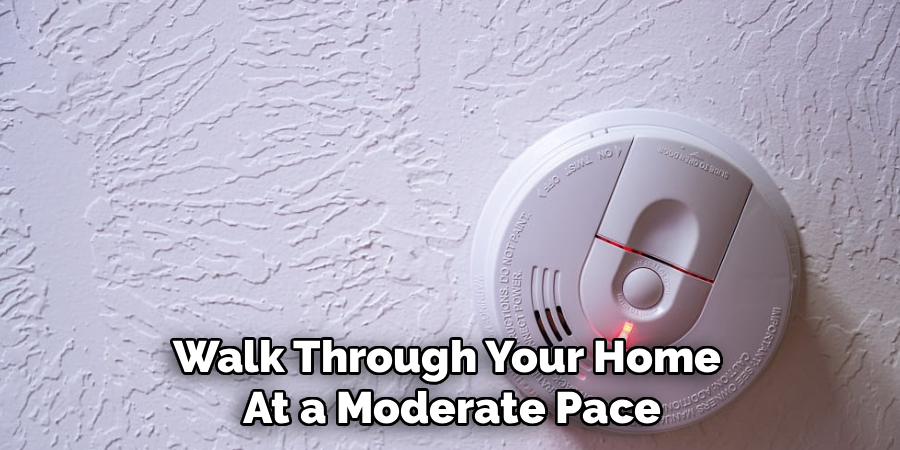
Don’t begin by prying the unit open. Your first task is detective work. Walk through your home at a moderate pace, eyes peeled and nose alert. Is there burnt food on the stove? Is steam billowing from a bathroom? Trace the origin. If there’s no clear culprit—no haze, no burnt smell—you may be looking at an issue with dust, a tired battery, or a technical hiccup.
Step 2: Press the Silence Button
Assuming all’s well, look for a button marked “Hush” or “Silence.” Most manufacturers stick it front and center. Gently but firmly press and hold—sometimes these buttons need more conviction than a casual tap. It can help to use a sturdy chair or step ladder if you can’t reach safely. Typically, this act will pause the alarm for several minutes. If whatever triggered it isn’t gone when time’s up, the alarm returns to full voice.
Step 3: Ventilate the Area
Don’t assume the hush will hold forever. Open windows and doors. Get air moving any way you can: through fans, ceiling vents, or the old-fashioned method—waving a towel under the device like you’re fending off an enthusiastic bee. If steam was the problem, crack that bathroom window. If dinner fumed over, turn on the oven fan. The idea is simple: give the alarm a break from whatever set it off in the first place.
Step 4: Check the Power Source
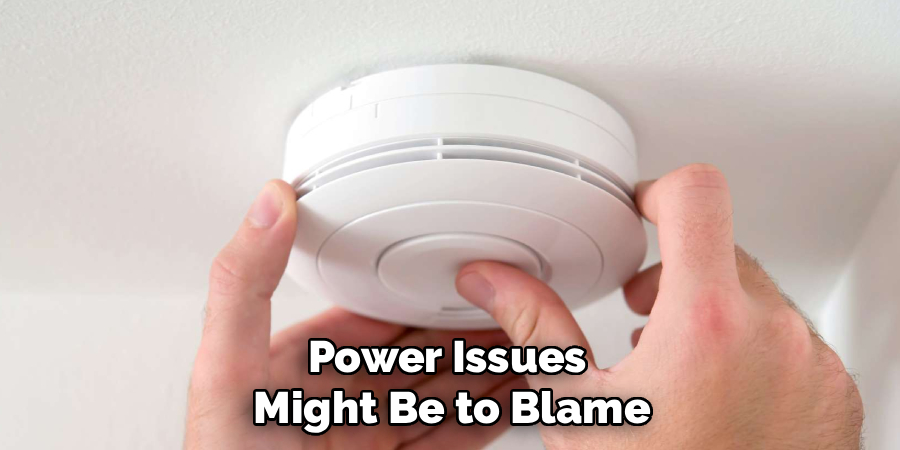
Persistent, repetitive chirping? Power issues might be to blame. For battery-only units, a twist will usually remove the alarm from its bracket. Pop open the compartment, swap out the battery, and see if peace is restored. Hardwired alarms complicate things, since they rely on house current but still have a backup battery. Disconnect the unit—carefully—from its wiring. Swap out any batteries, reset the connection, and return the device to its perch.
Step 5: Clean the Sensor
If false alarms happen more often than you’d like, consider cleanliness a culprit. Take the detector down, peer into the vents, and check for anything that doesn’t belong. A quick pass with a vacuum brush can work wonders; for a more thorough job, a canister of compressed air blows out dust from nooks you can’t easily reach. This step, unglamorous though it is, resolves stubborn alarms more often than you’d think.
Step 6: Reset the Alarm
The process isn’t quite finished. Sometimes, lingering issues remain after you’ve swapped batteries or cleared dust. Remove the power source again and locate that test or silence button—press and hold for 15 to 20 seconds. This drains any leftover energy in the unit. After, pop in a fresh battery. If you’ve got a hardwired model, hook up the wiring once more. The goal is a truly “fresh start” for the alarm.
Step 7: Reinstall and Test
This step gets skipped more than you’d expect, but it matters. Once reset and reassembled, slide and twist the alarm back onto its bracket. Give it a good test: hold down the button until you hear the test beep. If you get a solid, clear sound, your work here is done. If not? Something still needs attention, and maybe it’s time to consult the manual or, in rare instances, consider a replacement.
Following these steps on how to turn off smoke alarm beeping should help you silence the noise and ensure your home is safe and secure. Remember that working smoke alarms are essential for every household, so make it a priority to regularly test and replace batteries as needed.
Troubleshooting Persistent Beeping
Had enough? If the chirping just won’t quit, check your fresh battery—some off-brand cells just don’t cut it and can leave even a new detector dissatisfied.
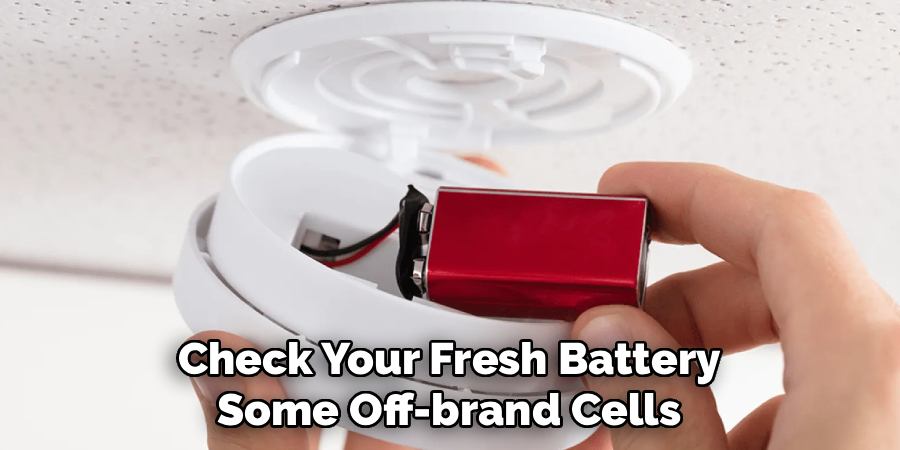
Walk around and confirm you’re hearing the right device; in homes with interconnected alarms, trouble in one spot can spark beeps elsewhere. Investigate, don’t assume.
Common Mistakes to Avoid
Desperation breeds mistakes. I’ve been there—climbing onto a chair at midnight, yanking a battery with weary relief. But don’t forget to replace it in the morning. An empty smoke alarm does nothing for you but collect dust.
Equally, smashing an uncooperative alarm with a broom handle (I’ve heard stories) solves nothing and leaves you shopping for a replacement. Take a breath.
Maintenance Tips to Prevent False Alarms
A little attention saves a lot of hassle. Hit the test button once a month. Does the siren sound as it should? Vacuum the vents a couple of times a year, more often if dust floats freely in your house.
Regardless of whether the batteries beg for it, change them annually—linking the job to daylight saving time can help you remember.
When to Replace a Smoke Alarm?
Despite our best efforts, smoke alarms have a shelf life. A decade is the limit—after ten years, even the most fastidious maintenance can’t reverse aging sensors. Check the date of manufacture on the back.
If there’s no label, but the plastic is yellowed, or the device just won’t behave, replace it. Constant, unexplained alarms or a silent test button are signs it’s time to let go. Safe beats sorry.
Frequently Asked Questions
Q1: Why Is My Hardwired Smoke Alarm Beeping?
Most hardwired models will sound off when their internal backup battery is low, even if power is flowing. Replace that little battery and try a reset. Nine times out of ten, the problem goes away.
Q2: Can I Use Rechargeable Batteries In My Smoke Alarm?
You could, but it’s generally discouraged. Rechargeable batteries drop voltage faster than the usual alkaline or lithium options, sometimes causing more trouble than they’re worth. Stick with new, reputable brands for the best results.
Q3: How Do I Stop A Smart Smoke Alarm From Sounding?
These days, many alarms pair with a mobile app. Presuming you’re on the same Wi-Fi—and you’ve checked, checked, and checked again for fire—there’s often a mute or silence option right in the application. Failing that, the traditional physical button should do the trick, too.
Keeping Your Home Safe and Quiet
No one relishes the shriek of a smoke alarm, and yet these little devices serve a purpose we can’t afford to ignore. Restoring quiet to your house needn’t be a battle. Approach the task calmly, methodically: find the source, hush as needed, clear the air,and maintain with care. Your future self, jolted awake at 3 a.m., will thank you.
Safe homes aren’t an accident. They’re the result of small, thoughtful habits—a monthly press of a button, an annual battery swap, and maybe a bit of patience for those moments when an alarm mistakes burnt toast for disaster. Thanks for reading this guide on how to turn off smoke alarm.
