

There’s something infuriating about a motion sensor light that won’t switch off. It’s not just the unnecessary electricity use—there’s also that perpetual glow leaking into the neighbor’s window or your own bedroom, all night long.
Motion detectors, by design, are supposed to be helpful, lighting the way to your door or scaring off raccoons. So, when the thing decides it never wants to take a break, well, that defeats the point. In this guide on how to fix motion sensor light that stays on, we’ll share some tips and tricks to help you get your light back under control.

Tools and Materials You’ll Need
Save yourself a trip back and forth by gathering a small handful of items first. For the majority of these checks, you shouldn’t need any fancy gadgets or advanced electrical know-how. What helps:
- A reliable, steady step ladder
- Microfiber cloth (the softer, the better—it’s a lens, not a frying pan)
- Some mild dish soap and water or even basic glass cleaner
- Both a flathead and a Phillips screwdriver (fixtures never agree on which fits)
- A non-contact voltage tester, just in case (don’t risk your fingers)
7 Not-so-obvious Steps on How to Fix Motion Sensor Light That Stays on
Step 1: Suspect the Manual Override First
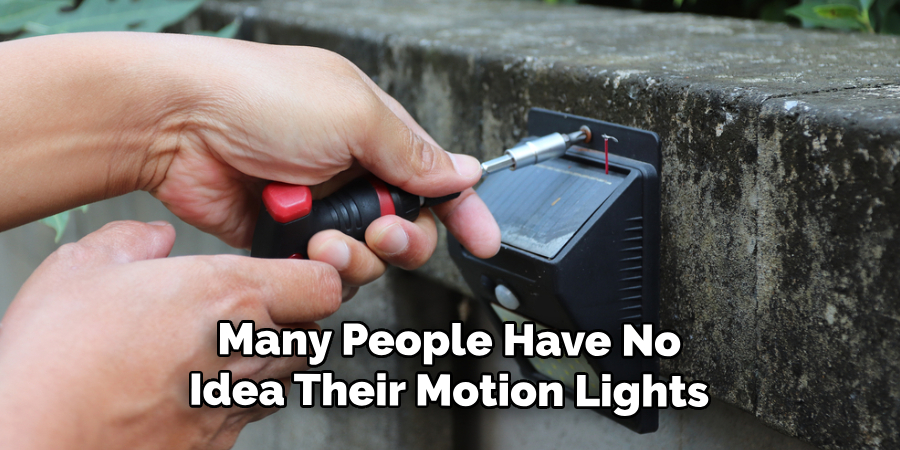
Oddly enough, many people have no idea their motion lights include a manual override. With a few quick flips of the wall switch, you can accidentally tell the light to stay on, whether you meant to or not. Power surges or a curious child playing with the switch might launch your fixture into “always on” mode and you’d be none the wiser.
So, what should you do? Head to the wall switch that controls the outdoor light, power it off, give it a solid ten or fifteen seconds, then turn it back on. This pause generally resets the override and returns your light to its intended, motion-sensing state—assuming it was stuck in the first place.
Step 2: Tame the Sensitivity
Infrared motion sensors detect warm movement, but they lack the subtlety of, say, a dog differentiating between mail carriers and friends. If the sensitivity is dialed up, the smallest rustle or a squirrel’s acrobatic leap may trigger it. Wind tossing tree limbs or a neighbor’s cat could be all it takes for your light to never get a rest.
You’ll need to hunt down a dial labeled “Sens” or “Range” (sometimes manufacturers try to be clever). With the ladder and possibly a screwdriver, gently back off the setting. Then, walk in front of the sensor to see how much range remains. Trial and error is inevitable here—expect a bit of up and down the ladder before things seem reasonable.
Step 3: Give the Lens a Cleaning
No one ever brags about outdoor cleaning chores, but grime is an enemy to motion sensors. Think about it: plastic, exposed to rain, pollen, maybe a persistent spider, starts to fog over. That buildup often leads the sensor to misread its environment, sometimes interpreting “something’s blocking my view” as “definitely something’s moving.”
All you really need is a gentle hand and a microfiber cloth, maybe a dab of mild soap. Approach the curved lens as you would an expensive camera—no scratching or hard scrubbing. Routine cleaning (twice a year, if you’re the responsible type) helps keep the light honest. Ignore it too long, and who knows what signals it’ll start inventing.
Step 4: Look at Where It’s Pointed
The angle matters far more than you might think. If your sensor head is cocked upwards, it’s more likely to pick up everything from passing cars to the neighbor’s dryer exhaust. Sometimes, aiming even a little to the side or down can make all the difference between restless and restful sleep.
To adjust, just cradle the head gently—a cheap fixture can have brittle moving parts. Tilt it so its field is right on your front walk or the porch, steering it away from nearby vents, shiny surfaces, or busy sidewalks. You might feel silly making such a tiny adjustment, but it’s surprising how often this solves the problem.
Step 5: Reconsider the Timer
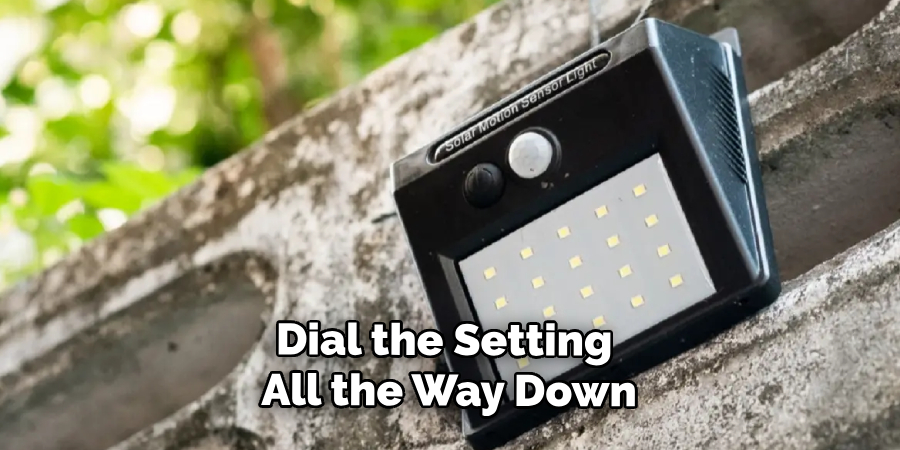
Every fixture hides a timer somewhere, often a little knob marked “Time” or “Timer.” You may think you set it once and it stays forever, but a bump during cleaning or installation can ratchet the duration to a maximum. Suddenly, a passing shadow means the light stays on for half the night.
Dial the setting all the way down—sometimes “Test” or “1 min” is as low as it goes. Trigger the sensor, then wait and see. If it shuts off after your chosen minute, you’re in business. You can always nudge the duration back up later, but at least now you know your timer wasn’t plotting against you.
Step 6: Old-Fashioned Power Cycle
It’s not only computers and phones that benefit from an occasional reboot. Power interruptions, lightning strikes, or just plain bad luck can send your sensor’s logic chips into a tailspin. When that happens, all bets are off.
So, march over to your breaker panel, find the correct switch (if you’re not sure, flip the one for your outdoor lighting zone), and turn it off. Wait a minute—not just a symbolic pause, but a genuine sixty seconds to drain any charge from the wiring. Return the power, and with luck, the light resets and behaves the way it did when new.
Step 7: When the Problem Runs Deeper—Check the Wiring
By now, if the stubborn light still ignores your efforts, something may be loose, corroded, or outright burned out inside the junction box. Insulation contracts and expands seasonally; wire nuts work themselves loose. Sometimes, weather wins these small, invisible battles over time.
Make absolutely certain the power is off (use the non-contact voltage tester if you own one), then unscrew and gently lower the fixture. Inspect every single wire: the black (hot), white (neutral), and ground must be secure, each capped firmly. If nothing looks suspect yet the problem remains, the sensor module itself might be toast. Replacing it is usually cheaper than agonizing over repairs.
Following these steps on how to fix motion sensor light that stays on, you should be able to troubleshoot and fix the issue without much difficulty. However, if the problem persists or seems beyond your ability to fix, it may be best to call a professional electrician for assistance.
Stumbles That Are Easy to Make
Wrenching the sensor head past its intended range—easy to do when frustrated—can rip a wire loose inside. Scrubbing a lens with a harsh sponge or cleaner often leaves the surface permanently frosted, and now it can’t “see.”
Worst of all, peeking at wiring before you’ve shut off the breaker could mean a nasty shock or worse. Take those basic precautions and you’ll avoid the most common mishaps.
Must You Call in a Pro?
More often than not, you won’t need an electrician. Most quirks respond to a cleaned sensor, a flipped breaker, or a properly adjusted timer.
Yet, if you spot melted insulation, exposed wiring, or just feel that vertigo up on a ladder, it’s not weakness to get help. Better the pride of hiring someone than a costly (or painful) mistake.
What About Cost?
Adjustments and minor fixes? Nothing but a bit of your time. If, after all attempts, you’re shopping for a new fixture, expect to pay somewhere between $30 to $80 for a mid-range, decent outdoor light. Handing the installation off to an electrician?
That’ll run another $100–$200, depending on your location and how straightforward the job is.
Frequently Asked Questions
Q1: Why Won’t My Light Shut Off During the Day?
Chances are, the manual override is stuck on, or the small photocell sensor (it tells the fixture when it’s daylight) is dirty or defective. Try killing and restoring the power, or wiping down the sensor. If nothing works, you may be due for a new unit.
Q2: Could a Bad Bulb Be the Culprit?
Quite possibly. Some older compact fluorescents (CFLs) and bargain-bin LEDs just don’t play nice with motion sensors. Always choose bulbs marked as compatible with sensor fixtures, and check the wattage against the manufacturer’s limits.
Q3: How Long Should a Sensor Light Actually Last?
Provided the parts are decent from the start, you might get ten to fifteen years. Certainly, repeated lightning strikes, harsh winters, and relentless sun can wear down even the best gear prematurely—especially the lens and electronic bits.
Getting Back in the Driver’s Seat
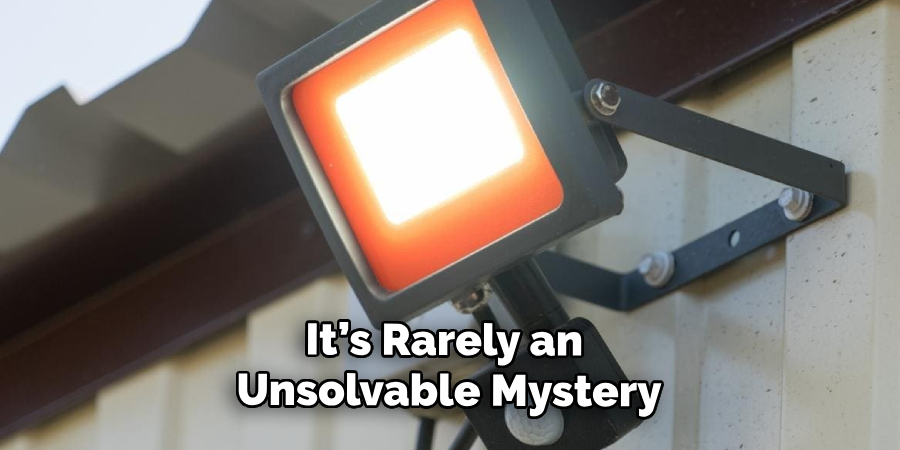
It’s rarely an unsolvable mystery. Usually, the fix comes down to patience: tweaking settings, cleaning lenses, even just letting the circuit reset. With a little luck, your light is soon back to its old self, responding to comings and goings the way it was intended.
If not, treat yourself to a modern, reliable upgrade—the new generation of LED models will spare your nerves, shave your power bill, and, at last, keep the darkness (and frustration) where it belongs. Thanks for reading this guide on how to fix motion sensor light that stays on.
