

Managing a chaotic pile of paperwork can quickly overwhelm even the most organized professionals. An effective office filing system transforms cluttered desks into streamlined workspaces, ensuring you never waste time hunting for critical contracts or invoices.

Implementing a structured approach to document management boosts daily productivity and keeps your business compliant with legal record-keeping requirements. By following a proven strategy on how to file office documents, you can regain control of your physical and digital workspace while minimizing daily stress.
Understand Types of Office Documents
Before you can organize your paperwork, you must recognize the different categories of documents that flow through your workspace. Administrative documents include daily correspondence, meeting minutes, and general office memos that keep operations running smoothly. Financial records, such as invoices, receipts, tax returns, and payroll ledgers, require strict organization due to their importance during audits.
Legal documents form another critical category, encompassing client contracts, vendor agreements, and business licenses that must be securely stored. Finally, human resources documents involve employee files, performance reviews, and benefits information, which demand high levels of confidentiality. Recognizing these distinct categories is the foundational step in building an architecture for your new filing system.
Choose a Filing System
Selecting the right filing system dictates how easily you will retrieve information in the future. An alphabetical system works best for client files or vendor records, allowing anyone in the office to locate a folder simply by knowing a name. Chronological filing organizes documents by date, which is highly effective for financial records like monthly bank statements or annual tax preparations.
Some offices prefer a numerical system, assigning unique IDs to patients, cases, or invoices to maintain privacy and speed up digital retrieval. Alternatively, a categorical or subject-based system groups documents by project or department, such as “Marketing Campaigns” or “Office Maintenance.” Evaluate your team’s daily workflow to determine which method aligns best with your operational habits.
7 Simple Step-by-step Guidelines on How to File Office Documents
Step 1: Gather and Centralize All Existing Paperwork
The first phase of organizing your office requires bringing every stray document into one central location for evaluation. Walk through your workspace and collect papers from your desk drawers, incoming mail trays, and temporary folders that have accumulated over time. This centralized pile might look intimidating initially, but it prevents rogue documents from escaping the organizational process.
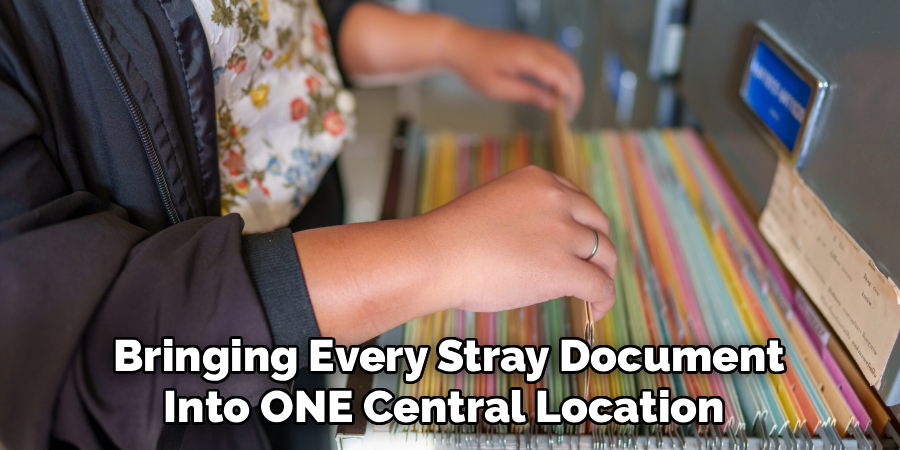
Seeing the sheer volume of paperwork helps you gauge exactly how many folders and storage boxes you will need moving forward. Dedicate a large table or floor space to this sorting process, ensuring you have enough room to create distinct piles. By centralizing everything first, you guarantee that your new system captures every single record in the office.
Step 2: Categorize and Sort Documents into Broad Groups
Once all your documents are in one place, begin sorting them into the broad categories you identified earlier, such as financial, legal, or administrative. Do not worry about micro-organizing at this stage; simply focus on placing each piece of paper into its appropriate major department. Moving quickly through the pile prevents decision fatigue and keeps the momentum of the project going strong.
As you sort, you will start noticing natural subcategories emerging within your primary groups, which will inform your folder structure later. Use sticky notes to label each broad pile so you do not lose track of your progress if you need to step away. This macro-level sorting dramatically reduces the chaos and prepares the paperwork for fine-tuned organization.
Step 3: Purge Unnecessary and Outdated Records
Not every document that lands on your desk needs to be kept indefinitely, making the purging process incredibly vital to your success. Review your company’s document retention policy to determine which tax records, legal contracts, or employee files can legally be destroyed. Shred any sensitive documents containing personal identifying information, financial data, or proprietary business secrets to maintain security compliance.
Recycle generic memos, outdated takeaway menus, and duplicate copies that offer no current value to your business operations. Thinning out the herd ensures you do not waste valuable physical storage space or expensive filing supplies on useless paper. A lighter filing load makes the actual storage process much faster and easier to maintain over the long term.
Step 4: Create Consistent and Clear Labels
Labeling is the visual map of your filing system, meaning clarity and consistency are non-negotiable for long-term success. Invest in a dedicated label maker to print legible, uniform tags rather than relying on messy, inconsistent handwriting. Establish a strict naming convention, such as “Year – Vendor Name – Document Type,” and ensure everyone in the office follows this exact format.
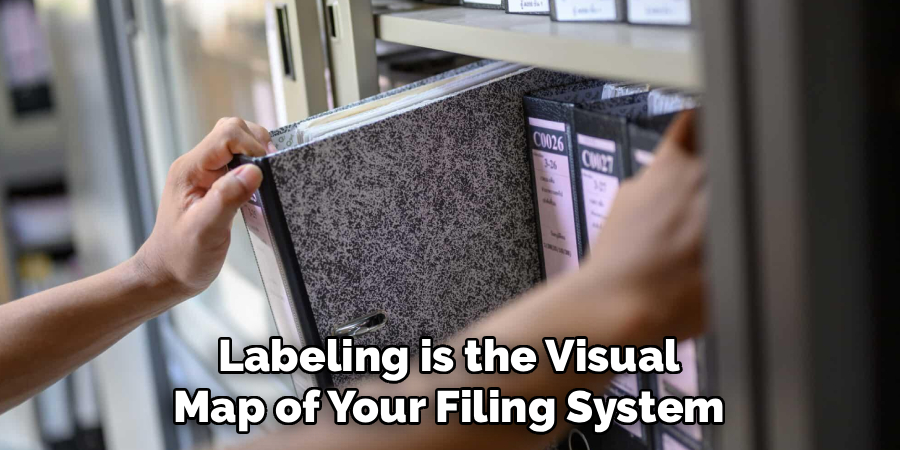
Avoid using vague abbreviations or personal shorthand that a new employee or colleague might not understand when searching for a file. Place the labels in the same position on every folder tab so the eye can easily scan down the drawer. Consistent labeling instantly upgrades the professional look of your cabinets while drastically reducing document retrieval time.
Step 5: Utilize Subfolders for Complex Categories
For thick files that cover extensive projects or long-term clients, standard folders will quickly become overloaded and disorganized. Implement subfolders to break down large categories into easily digestible, highly specific sections that keep the paper flat and orderly. For instance, a main client folder can contain separate subfolders for contracts, invoices, and email correspondence.
Using hanging folders for the main category and interior manila folders for the subcategories is an excellent physical strategy for this method. This tiered approach prevents you from having to dig through fifty pages of a project just to find one specific receipt. Subfolders act as micro-organizers that protect the structural integrity of your broader filing categories.
Step 6: Draft a Master Index or Filing Guide
Even the most logically designed filing system requires a legend or master index so other people can navigate it successfully. Create a simple one-page document outlining your primary categories, your chosen organizational method, and your exact labeling conventions. Store a physical copy of this guide on top of the filing cabinet and a digital copy on the company’s shared drive.
This index serves as the ultimate reference point when an employee is unsure where to place a new piece of paper. It also becomes an invaluable training tool when onboarding new administrative staff who need to learn office protocols quickly. A master index safeguards your hard work by ensuring everyone respects and understands the system’s architecture.
Step 7: Schedule Regular Maintenance and Audits
A filing system is a living entity that requires consistent upkeep to prevent it from reverting to a chaotic mess. Block out fifteen minutes at the end of every week to file away loose papers that have accumulated in your outbox. Do not let paperwork sit on your desk for weeks, as this habit slowly undermines the organizational structure you just built.

Additionally, schedule a comprehensive annual audit to review the files, archive old projects, and shred documents that have passed their retention period. Regular maintenance keeps the physical volume of your cabinets manageable and ensures your labeling conventions remain accurate. Treating filing as a recurring calendar appointment guarantees your office remains continuously organized and efficient.
Following these steps on how to file office documents will greatly improve your organization and reduce the stress of locating important information.
Common Filing Mistakes to Avoid
Failing to establish a uniform naming convention leads to duplicated folders and lost documents that frustrate the entire team. Overstuffing a single folder rather than creating subfolders damages the physical paper and makes quick retrieval nearly impossible. Holding onto every single piece of junk mail or obsolete memo wastes expensive storage space and creates unnecessary clutter.
Delaying the filing process until the end of the month transforms a minor task into a massive, highly stressful burden. Neglecting to use a secure shredder for sensitive documents puts your company and clients at massive risk for data breaches.
Tools and Equipment for Filing
Equipping your office with the right supplies is essential for building a robust and durable document management system. Heavy-duty filing cabinets with smooth-gliding tracks prevent drawers from jamming when they become loaded with heavy paperwork. High-quality hanging folders combined with standard interior manila folders create a sturdy framework that keeps documents upright and visible.

A commercial-grade label maker ensures your folder titles remain crisp, professional, and easy to read from a distance. Finally, a cross-cut paper shredder is a mandatory tool for securely disposing of confidential records that have outlived their usefulness. Investing in proper equipment upfront saves money by preventing damaged documents and replacing flimsy supplies.
Benefits of a Proper Filing System
Implementing a rigorous document organization strategy yields massive dividends for your daily workplace productivity and mental clarity. It drastically reduces the time employees spend searching for lost information, allowing them to focus on revenue-generating tasks. A well-maintained system guarantees you can produce necessary financial or legal records immediately during a sudden audit or dispute.
Furthermore, an organized physical environment directly reduces workplace stress and promotes a more focused, calm atmosphere. Ultimately, a clean filing system projects a high level of professionalism and competence to any clients or partners visiting your office.
Frequently Asked Questions
Q1: How Long Should I Keep Office Documents Before Shredding Them?
A1: Retention periods vary depending on the specific type of document and local business laws. Generally, tax records and financial statements should be kept for at least seven years to comply with audit requirements. Standard administrative memos can usually be discarded after a year, while employee records must often be kept for several years after termination. Always consult with your company’s legal counsel or accountant to create a compliant retention schedule.
Q2: What Is The Best Way To Transition From Paper To Digital Filing?
A2: Transitioning to digital filing requires a systematic approach rather than scanning everything on day one. Start by implementing a “go-forward” policy where all new documents are saved digitally in a cloud-based system. Slowly work backward, scanning your most frequently accessed historical paper files, and applying the same naming conventions you used physically. Ensure you invest in secure cloud storage and a reliable high-speed scanner to make the process efficient.
Q3: How Do I Prevent My Filing Cabinet From Overfilling?
A3: Preventing an overflowing cabinet requires strict adherence to regular purging schedules and smart storage strategies. Conduct an annual audit to move closed cases, finished projects, or old financial records into long-term archive boxes in a storage room. Be ruthless about shredding obsolete documents that offer no legal or operational value to your business. Finally, utilize digital storage for bulky items whenever possible to save your premium physical cabinet space for vital active files.
Conclusion
Mastering your office paperwork is an ongoing commitment to efficiency, not just a one-time cleaning event. By applying these steps, securing the right equipment, and avoiding common pitfalls, you build a resilient structure that supports your entire business operation.
Take action today by gathering your first stack of loose papers and taking that crucial first step toward a permanently organized workspace. Thanks for reading this guide on how to file office documents.
