

It’s tempting to imagine setting up a home office as a matter of plugging in your laptop and calling it a day. Of course, anyone who’s ever tried this approach quickly runs up against the reality: productivity and balance rarely happen by accident. Your workspace—wherever it lurks in the house—casts a shadow over your day, shaping not only your focus but your mood, energy, and whether you bother drinking water before noon.
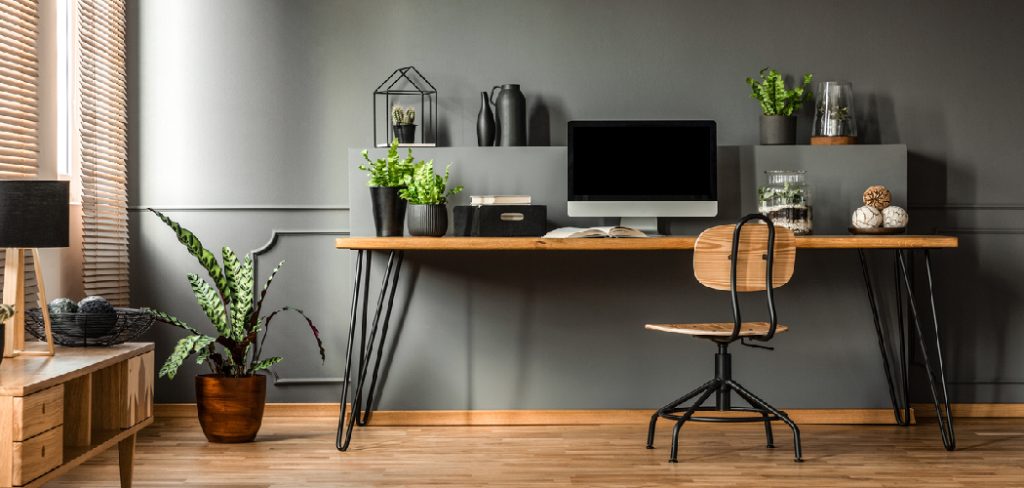
On some level, carving out a specific spot just for work primes your mind for business, dialing down the background noise from home life. If you approach your setup thoughtfully, you’ll end up with more than a good-looking nook. Over time, the right environment can nudge you toward better posture, less stress, and maybe a hint of peace between conference calls. In this guide on how to set up a home office, we’ll cover the essentials to create a productive and comfortable workspace.
Choosing the Right Space
Let’s get practical. Before dreaming up Pinterest boards, you have to figure out: where, exactly, will your “office” exist? Most of us aren’t blessed with extra square footage or spare bedrooms waiting to be transformed. But you do need a place—however small—dedicated to work, not just any available chair in the house.
Try to pick a spot somewhat shielded from household traffic. It could be a forgotten alcove, a hallway desk, or a cozy corner by a window (sunlight, by the way, is not just pleasant but—if the research can be trusted—may keep your sleep and mood on a more even keel). And keep in mind what lurks behind you. For all those video meetings, a tidy, neutral background wins over a pile of laundry every time.
7 Simple Step-by-step Guidelines on How to Set Up a Home Office
Step 1: Select a Supportive Desk and Chair Setup
Let’s be blunt: you’ll spend a daunting number of hours glued to that chair. If it doesn’t fit your body, you’ll feel it. Trouble is, pain and distraction go hand-in-hand. Look for a chair where your back feels held (lumbar support isn’t a luxury), adjustability is built in, and your arms and legs rest comfortably—no circulation cut off, thank you. The “flat feet, ninety-degree knees” suggestion isn’t just ergonomic gospel; it actually helps.
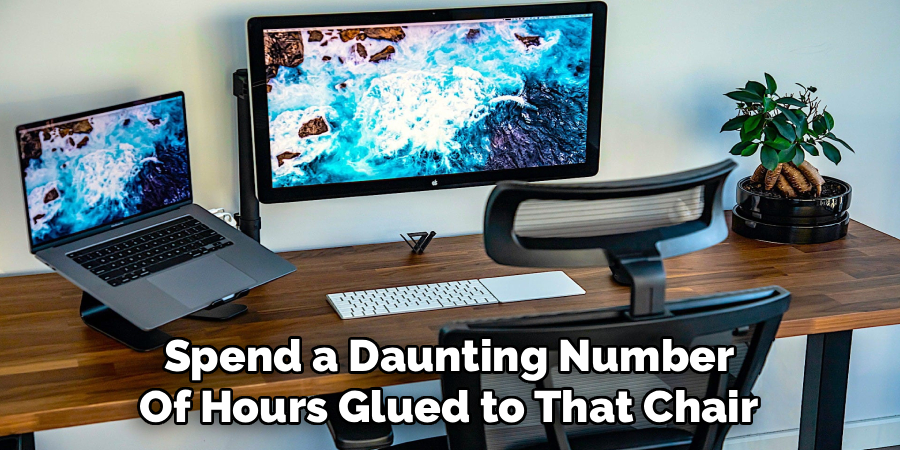
Desks aren’t just for storage. The right one provides enough surface for your essentials—computer, monitor(s), notepad, maybe a coffee mug or two—without cramping your style. You could spring for a sit-to-stand setup, or improvise with a desktop converter. Shifting between sitting and standing sounds small, but over weeks and months, it might be the difference between restless energy and the dreaded afternoon slump.
Step 2: Tinker with Lighting for Comfort and Calls
Lighting is oddly easy to ignore, right up until your eyes ache and you look like a ghost on Zoom. If you can, put your desk next to a window. Facing the glass straight on can blind you or wash out your screen, but sidelong light does a lot for your mood and helps your eyes last the day.
Not enough sun? Everyone in apartments or basements feels your pain. In that case, hunt down good-quality artificial lighting. Task lamps with adjustable color temperatures give you some control. You might notice sharper focus with brighter, cooler light earlier in the day; as the afternoon wears on, softer, warmer bulbs can be easier on your brain. For meetings, try a small ring light or angle a lamp behind your monitor—not in your eyes, but enough to keep your face out of the gloom. It’s a little thing, but it adds up.
Step 3: Wrangle Your Tech and Tame the Wires
Cables multiply, I swear. Laptops, chargers, hard drives, monitors—before you know it, there’s a spaghetti bowl under your feet. The trick is to know what gear you actually use, plug it all into a surge protector (better safe than sorry, especially during thunderstorms), and corral the lot with zip ties or Velcro straps. Under-desk trays save your ankles and your patience.
A workspace where you don’t see wires snaking everywhere feels calmer. It’s not trivial: visual clutter nags at your concentration. Plus, having a setup where you’re not tripping over cords every time you stand up is surprisingly liberating.
Step 4: Get Serious About Your Internet Connection
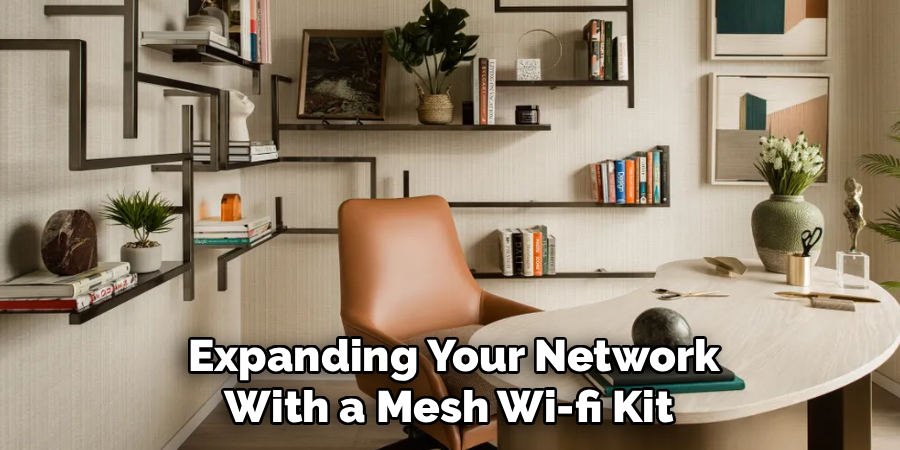
Video call stutter? Files refusing to upload? If any of this sounds too familiar, your internet is likely at fault. Now that your house doubles as HQ, you need the bandwidth to match. It might mean upgrading your plan or, if your office nook is miles from the router, expanding your network with a mesh Wi-Fi kit. There’s a good argument—if you value reliability—for running an actual Ethernet cable. It’s a pain in the moment, but after that, you’ll be working at full speed, no drama.
Step 5: Sort Out Storage Before Clutter Takes Over
You might assume, in this so-called paperless age, that you won’t accumulate stacks of stuff. Reality, as usual, has other ideas: physical junk creeps in. Left unchecked, it claims your desk at an alarming speed. Filing cabinets, floating shelves above eye-level, and drawer dividers are useful weapons. The key is making sure everything has a home. Your future self, walking into a tidy space each morning, will thank you. That daily end-of-work “reset” is worth the minor effort.
Step 6: Personalize—But Don’t Drown in Trinkets
You’ll spend a lot of time here. It ought to feel friendly, maybe even inspiring. Hang a print you love, add family photos, or stash a brightly colored mug on the desk. Just remember, too much of a good thing quickly becomes clutter, and a muddled desk piles on mental distractions.
Pick a few well-chosen details. Choose colors that don’t jar—muted blues, earth tones, soft greens—something you won’t regret come November. Think of this as setting a mood, not an Instagram scene. Restraint goes a long way; too many souvenirs get in the way of actually working.
Step 7: Add a Touch of Green—Even if You’ve Killed Every Plant You’ve Owned
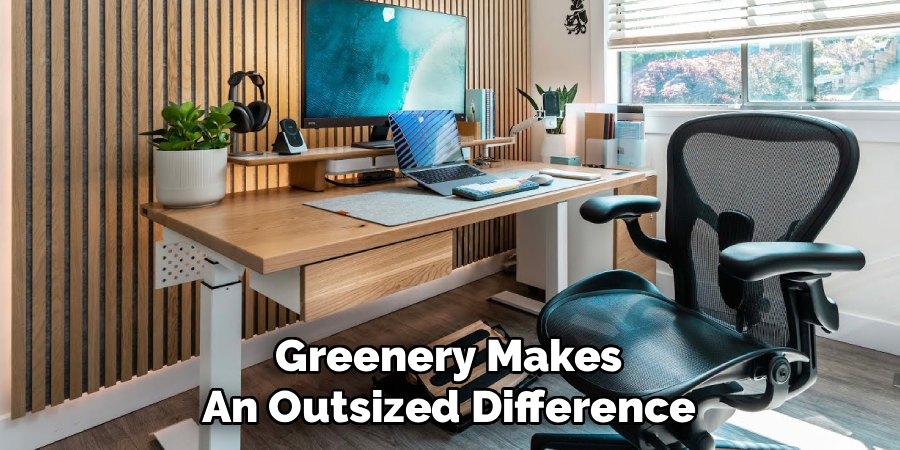
Greenery makes an outsized difference in how a space feels. You don’t need to be a plant expert to benefit. Many species, like snake plants or pothos, survive just fine with forgetful owners and patchy lighting. Plants really do take the edge off stale air and can be oddly comforting to greet when taking a break from your screen. Even a single leafy pot can break up the gray monotony of tech gear and paperwork.
Following these steps on how to set up a home office, you’ll be ready to work efficiently and productively in your new workspace.
Comfort and Health Considerations
Don’t forget your body. Remote work brings its own aches. Try following that oft-repeated 20-20-20 rule—every twenty minutes, stare at something twenty feet away for twenty seconds. Place your monitor so you’re not craning your neck. Keep a water bottle handy and drink often.
Headaches and brain fog creep in faster than you expect if you’re even slightly dehydrated.
Budget Planning
You don’t need to raid your savings to build a decent setup. Spend thoughtfully. If something’s going to make or break your comfort—like your chair or the monitor—allocate money there. Scavenge for deals on used furniture when you can, and repurpose things you already own for shelves or storage.
The trick is setting boundaries: make your wish list, cap your spending, and resist every shiny gadget that crosses your feed.
Common Mistakes to Avoid
Everyone trips up somewhere. Muddling work with relaxation (hello, couch-laptop combo) all but guarantees late-night email checks. Skipping on chair quality looks cheap, but may end in pricy visits to the chiropractor.
Sticking your desk in a bleak, unlit space feels logical until your motivation vanishes. Missing the cleaning routine? Dust sneaks up, and your tech will suffer for it.
Productivity Tips for Home Office Use
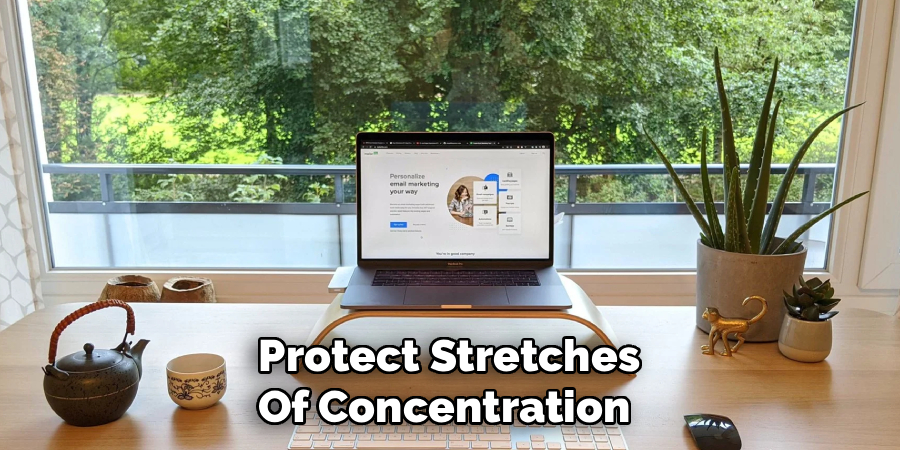
The office is finished. Now what? Habits are your friend. Define your work hours and make sure housemates or family know them. Think about “time blocking”—not every hour needs to be for emails. Protect stretches of concentration and, just as intentionally, carve out breaks.
Don’t let your phone pester you for attention when you’re wrestling with meaningful tasks. A “shutdown” ritual—putting away supplies, closing your laptop, stepping away—signals that work is done, even if you’re only steps from the kitchen.
Maintenance and Upkeep
Like every space, home offices need consistent care. Spend a few minutes clearing scraps and wiping down surfaces before you quit for the day. Deeper cleaning—move the monitors, wipe the desk, empty file drawers—should happen monthly.
Check cords now and then so frays or breaks don’t leave you stranded mid-project. Clean habits make productive days less of a struggle.
Frequently Asked Questions
Q1: How Much Does It Typically Cost To Set Up a Home Office?
Cost can swing wildly. If you stick to basics, use items you already own, and bypass high-end gear, you might scrape by for a few hundred dollars. On the other hand, springing for premium furnishings, extra screens, and pro lighting can send you past a thousand before you know it.
Q2: What’s the Best Color to Paint a Home Office for Productivity?
This gets debated endlessly. Some evidence—or at least lore—suggests subdued blues and greens help you focus while also keeping things calm. Bright shades, like yellow, can stir up creativity, but overdo it and you might find it too restless, especially if you paint every wall. In doubt? Grays and soft whites never offend and set a gentle, neutral tone.
Q3: Can I Deduct My Home Office Expenses on My Taxes?
It depends. Independent contractors and self-employed folks may be able to write off a portion of their home expenses, provided the workspace is dedicated and used consistently for business. Employees, however, generally can’t claim this under the current U.S. tax code. Honestly, for anything beyond the basics, talk to a tax professional; the fine print matters.
Wrapping Up Your Home Office Journey
No setup is ever perfect—what works for you now may feel off six months later. That’s the nature of remote work: needs shift, roles change, and your space should keep pace. Focus on what matters most—comfort, a little order, and clear lines between work and the rest of life.
Take a fresh look at your nook right now. Fix something small—a tangle of wires, a broken chair, the missing coaster. Every tweak gets you a little closer to a workspace where, with any luck, better work follows naturally. Thanks for reading this guide on how to set up a home office.
